A homeowner calls and says, “I need four cameras and a video doorbell installed.” That sounds ready to quote. Then the details arrive: two cameras will watch a detached garage, the router sits in a basement office, the house has brick veneer, and the doorbell box contains an old chime with an unlabeled transformer.
The camera count was the least useful part of the opening sentence.
A good intake call should identify what the customer wants to see, how each device will get power and a network connection, where recordings will live, and what the installer is expected to supply. The office can then decide whether to book a fixed installation slot, request photos, or schedule a site survey. A firm labor quote should wait until the wiring path and equipment are known.
Start with the view the customer wants
“Front, back, and side” describes areas. It does not describe the job.
Ask the caller what each camera needs to show. A person at the front door, a license plate at the driveway entrance, packages on the porch, and activity around a pool are different views. They call for different positions, angles, fields of view, and recording settings. A wide image of the whole driveway may give poor detail at the street. A camera aimed low enough to cover packages may miss a visitor’s face near the door.
Have the caller walk the property in words. Where would someone approach? Which doors are used? Is there a gate between the camera and the target area? Ask about porch columns, roof overhangs, mature trees, floodlights, and neighboring windows. Photos help, especially one taken from the proposed mounting point and another showing the wall from farther back.
Night conditions belong in the same conversation. Existing lights can improve the image or create glare. Headlights may point straight into a driveway camera. An infrared image can reflect from glass, a nearby wall, or a deep eave. The office does not need to design the final shot over the phone, but it should flag a difficult location for a survey.
Separate device installation from system design
Some callers already own a sealed box of equipment. Others expect the installer to choose every component. Those jobs need different appointments.
Get the manufacturer and exact model for every customer-supplied device. “Ring doorbell” or “four-camera kit” is too broad. Ask for a photo of the model label, the package contents, and any power adapters or mounting hardware. Confirm whether the equipment is new, previously installed, or being moved from another property. Used equipment may still be tied to an old account, and missing brackets can stop an otherwise simple visit.
Then define the installer’s scope. Will the company mount devices only? Is it responsible for cable, a recorder, network setup, account creation, app configuration, and customer training? Who provides the memory card, hard drive, PoE switch, or subscription? Spell this out before quoting. “Install my cameras” often includes several hours of software work in the caller’s mind.
Brand support boundaries matter too. If your company installs only equipment it sells, say so during intake. If it will mount customer-owned hardware but cannot guarantee its operation or provide ongoing app support, put that policy in the estimate.
Power determines whether the doorbell is a swap or an electrical job
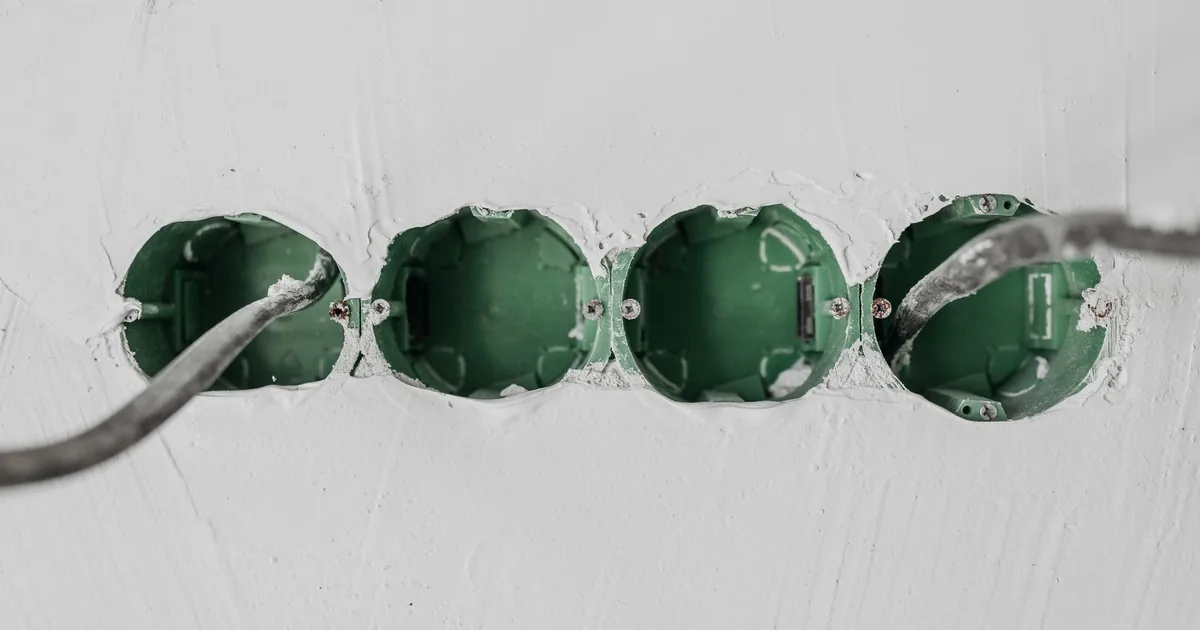
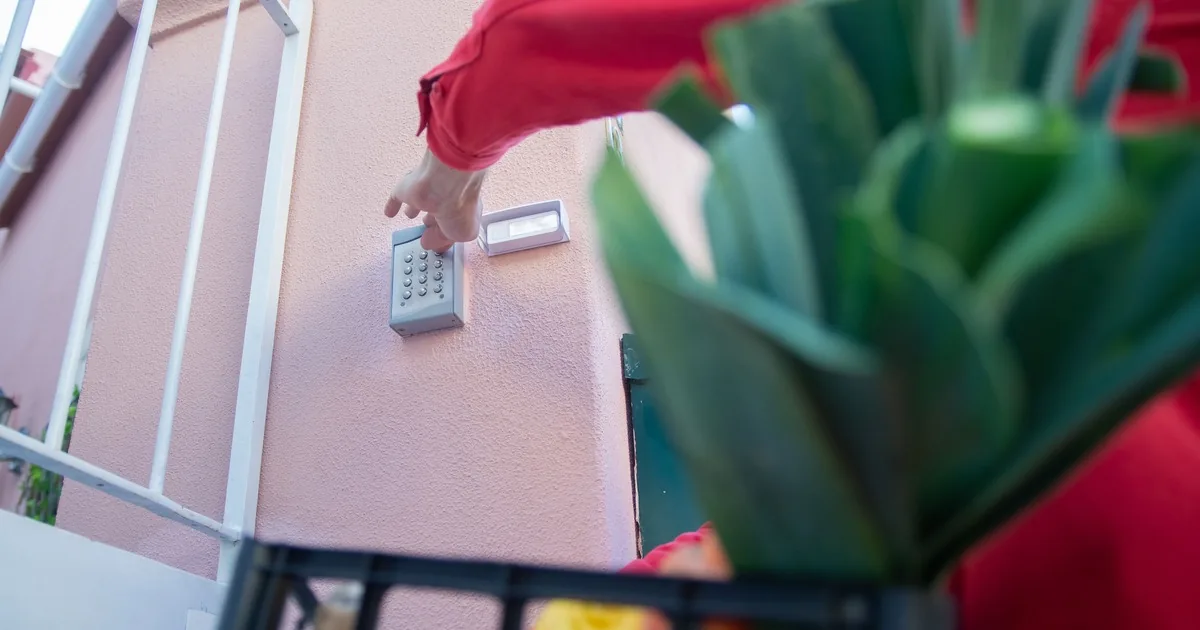
A battery doorbell mounted to wood trim can be straightforward. A wired doorbell on brick may involve the existing chime, low-voltage cable, a transformer, masonry anchors, and a wedge mount to correct the viewing angle.
Ask whether a doorbell exists now and whether it works. Find out if there is an indoor chime, where the transformer is located, and whether its label is readable. The customer can send a clear photo, but office staff should not ask an untrained caller to open energized equipment or take electrical measurements.
Power requirements vary by model. Google tells installers to check transformer compatibility for its wired Nest doorbells and notes that an incompatible transformer may need replacement. Ring publishes different voltage and power ranges across its wired models. That is why the exact model belongs on the intake record. Do not promise that an existing two-wire doorbell is compatible based on a phone description. Check the manufacturer’s current installation guide, then send a licensed electrician where local rules or the work itself require one.
A new doorbell location has another fork in the road. Battery power avoids a new cable but creates a charging routine. A hardwired installation needs a viable route to the proper power source. Ask whether the wall is wood, vinyl, stucco, brick, or stone, and whether the inside face is accessible. One word about the exterior can change the tools and time needed.
Every camera needs a power path and a data path
“Wireless” causes more bad quotes than almost any other word in camera work. A Wi-Fi camera still needs power. A battery camera still needs a reliable radio connection and periodic charging. A Power over Ethernet camera uses one network cable for data and power, but that cable needs a route back to a PoE switch, injector, or compatible recorder.
For each proposed position, ask what is nearby: an exterior receptacle, an attic, an unfinished basement, a utility room, or an existing cable. Then ask what sits between that position and the network equipment. Brick, finished ceilings, concrete slabs, and detached buildings can turn a quick mount into a cable-routing problem.
Wi-Fi should be checked at the proposed device location, not beside the router. Ask the caller to stand where the camera will go and test with a phone if your company uses that as a preliminary screen. Treat the result as a clue. It is not a guarantee that a specific camera will stay connected through weather, interference, and network changes.
Detached garages deserve their own line on the form. Does the building have power? Does the home network reach it? Is there conduit between buildings? An installer may need an outdoor-rated cable route, a wireless bridge, or additional network equipment. That is system design, so book enough time to inspect it.
Recording and account questions change the equipment list
A customer who wants a live doorbell alert has a smaller request than one who expects continuous recording across several cameras. Intake should establish where video will be stored and who will manage it.
Cloud systems may require an account or subscription for certain recording features. Local systems may use memory cards, a network video recorder, or a compatible console and storage drive. Ubiquiti, for example, states that compatible storage is required to save recordings on its UniFi system, while real-time playback has different requirements. The exact setup depends on the chosen product.
Ask how long the customer expects footage to remain available, who needs app access, and whether the property has adequate internet service for the selected cloud features. Avoid quoting a storage duration before the camera settings, recording mode, resolution, storage capacity, and number of cameras are known.
Account ownership should stay with the customer. Have the customer create the primary account under an email address and phone number they control. The installer can guide setup without keeping the customer’s password in job notes. For a landlord, property manager, or business, identify the person authorized to own the account before the crew arrives.
Privacy also belongs on the call. Indoor cameras may capture children, guests, tenants, or workers. Outdoor cameras can point toward neighboring property or public areas. Recording and audio-consent rules vary by location. The receptionist should record the concern and tell the caller to verify local requirements. It should not give a legal opinion or promise that a proposed view is lawful.
Ask these questions before offering a quote
Use one intake record for the whole project, then add a line for each device. The office should capture:
- Service address, property type, number of stories, and whether the caller owns or rents
- The result the customer wants at each location, such as face detail at the porch or activity near a side gate
- Device count, manufacturer, exact model, and who will supply the equipment
- Indoor or outdoor placement, proposed mounting height, wall material, and access above or behind the location
- Existing doorbell, chime, transformer label, and whether the current doorbell works
- Power source for every camera, including receptacle, battery, low-voltage wiring, or PoE
- Internet provider, router location, network equipment, and Wi-Fi condition at each proposed mount
- Existing cable, attic or basement access, finished ceilings, detached buildings, and any known blocked routes
- Cloud or local recording preference, expected footage retention, account owner, and requested app users
- Customer deadline, reason for the deadline, preferred appointment window, and who will be present
Read the scope back in plain language. “You have a customer-supplied wired doorbell, two PoE cameras on the house, and two proposed cameras on a detached garage with no existing network cable.” That sentence gives the scheduler something solid to work with.
Choose the right next step for the evidence you have
A fixed installation appointment fits a known product, an existing compatible location, clear access, and a narrow scope. A doorbell replacement with readable equipment labels and good photos may qualify. So might one customer-supplied battery camera on an accessible wood surface.
Request photos before scheduling when the description is thin but the uncertainty is visible. Useful images include the proposed view, the mounting surface, the current doorbell and chime, the transformer label if safely accessible, the router area, and the route into an attic or basement.
Book a site survey when the project includes several outdoor cameras, cable fishing through finished areas, masonry penetrations, a detached building, uncertain Wi-Fi, a new recorder, or equipment selection. Put the survey fee and deliverable in writing. The customer should know whether the visit produces a written design, a firm quote, or a recommendation.
An AI receptionist can collect model numbers, placement notes, ownership details, and photo follow-ups when the office is closed. The decision rules still belong to the installer. A careful intake gets the right person to the property with the right amount of time, and it keeps a four-camera call from becoming an unpriced network rebuild in the driveway.
Sources
- Google Nest Help: Check Google Nest doorbell compatibility
- Ring Support: Guidelines for hardwiring Ring Video Doorbells
- Ubiquiti: UniFi Physical Security