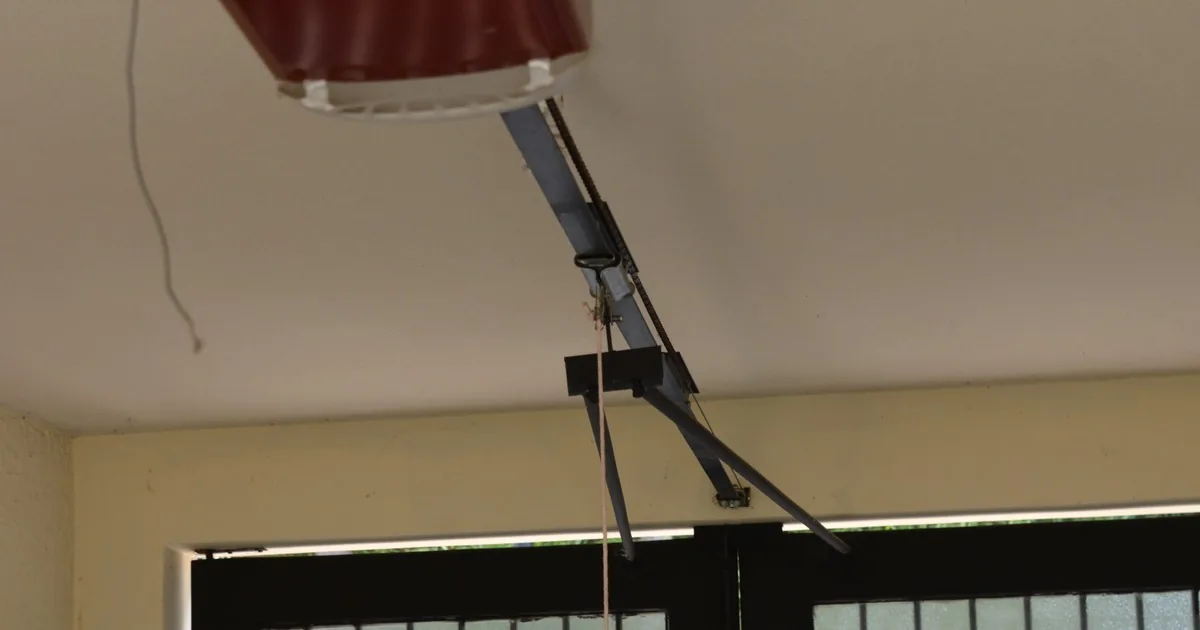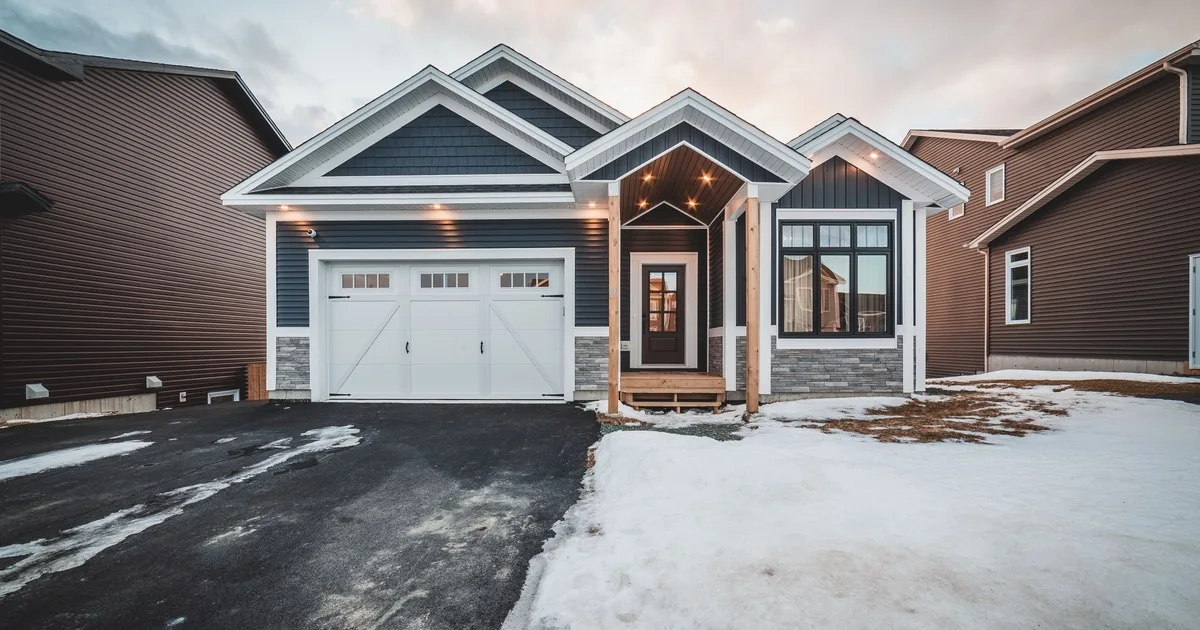
A homeowner may use “opener” for any door that will not move. The office needs enough detail to schedule the visit and explain what requires an on-site inspection. Diagnosis belongs to the technician.
Start With What the Door Is Doing
Ask the customer to describe the current behavior in their own words. Useful prompts include:
- What happens when you press the wall control?
- Does the motor run, hum, click, or stay silent?
- Does the door move at all? If so, where does it stop or reverse?
- Does the remote behave differently from the wall control?
- Are any opener lights or sensor lights blinking?
- Did the problem begin suddenly, or has operation changed over time?
- Was there a recent power outage, impact, storm, or other event?
These answers give the technician a starting point. Never ask the customer to disconnect, adjust, lift, or test parts. Garage door systems contain heavy moving components and parts under tension.
Separate an Opener Request From the Underlying Door Problem
Several conditions can look like opener failure. A broken spring can leave the opener unable to lift the door. Misaligned or obstructed safety sensors may cause reversal or prevent closing. A binding door can strain the operator. Controls, wiring, and power can also affect operation.
The office can ask whether the customer has noticed a visible gap in a spring, a loose cable, a crooked door, an obstruction near the sensor area, or damage to the track. Record observations as the customer describes them. Do not confirm the cause or invite closer inspection.
If the door is hanging unevenly, has come off its track, has loose cables, or appears at risk of falling, tell the customer to stop operating it and keep people and vehicles clear until a technician can inspect it. Follow the company’s emergency and safety policy when assigning the call.
Clarify Repair, Retrofit, or Full Replacement
“Replacement” can describe three different service paths.
A repair keeps the existing opener and addresses a failed component. A retrofit adds a compatible feature while retaining the current system. A full replacement installs a new operator and the components required for it.
Ask what the customer hopes to accomplish. Are they calling because the opener stopped working, because parts are difficult to source, or because they want quieter operation or connected features? Has another company already recommended replacement? Do they want the technician to assess repair and replacement options during the same visit?
Capture the opener’s brand, model, and approximate age if the customer can read them safely. Ask whether it is rail-mounted, wall-mounted, or another configuration. Safe photos of the label, door, tracks, springs, and ceiling area may help the office prepare.
Record the Door and Existing Drive Type
The opener must suit the door it will operate. Ask:
- Is this a single-car or double-car door?
- What are the approximate width and height?
- What is the door made of, such as steel, wood, aluminum, fiberglass, or another material?
- Is it insulated or unusually heavy?
- Is it a one-piece tilt-up door or a sectional door?
- Are there windows, decorative overlays, or other features that add weight?
- Is the ceiling standard height, low, high, vaulted, or obstructed?
- Is there a room above or beside the garage where vibration and noise matter?
Then ask about the existing drive system. Is it chain, belt, screw, direct drive, or wall mount? If the customer does not know, record that plainly and request a safe photo if your workflow supports one.
Door size and material do not provide a complete weight or balance assessment. A technician may need to inspect the spring system and door movement before confirming compatibility.
Ask About Features the Customer Actually Wants
A replacement call is easier to qualify when the office separates required features from preferences. Ask whether the customer wants:
- Quieter operation, especially near bedrooms or living space
- Built-in Wi-Fi or app control
- Compatibility with a preferred smart-home platform
- Battery backup
- A wall-mounted design to free ceiling space
- Keypad access, additional remotes, vehicle integration, or camera features
- Motion-activated lighting or brighter garage lighting
Ask whether reliable home Wi-Fi reaches the garage and who will handle app setup. Confirm compatibility against the exact opener, accessories, phone requirements, and smart-home platform. Battery-backup requirements may depend on local rules, so follow company policy and applicable requirements.
Cover Power, Access, and Installation Conditions
A few practical questions can prevent a poorly prepared appointment:
- Is there a working electrical outlet near the opener location?
- Can the technician access the garage from inside the home if the door will not open?
- Is a vehicle trapped inside, or is the garage currently inaccessible?
- Is there storage, shelving, a finished ceiling, ductwork, or another obstruction around the opener and rail?
- Is the property occupied, vacant, rented, or controlled by an association?
- Who can authorize the work on site?
- Are there gate codes, parking limits, pets, or other access notes?
If a vehicle is trapped, the home cannot be secured, or the garage is the main entry, record the urgency. Ask when service is needed and which appointment windows work. Use the company’s dispatch criteria.
Avoid Firm Sight-Unseen Pricing
The installed price can change with the opener model, rail length, door size and weight, mounting conditions, electrical work, accessories, disposal, code requirements, and necessary door repairs.
If your company offers a diagnostic fee, starting price, or approved range, state exactly what it includes and what can change after inspection. Confirm whether taxes, haul-away, remotes, keypads, battery backup, smart setup, permits, or door repairs are included. Never imply that a phone estimate is a guaranteed installed price unless company policy supports that commitment for the documented scope.
A useful script is: “I can record the door, opener, and feature details so the technician arrives prepared. The technician will inspect the door and confirm which repair or replacement options fit before you approve the work.”
Use AI Reception for Consistent Intake
An AI receptionist can capture model and door details, flag access or safety concerns, and route requests according to office rules. Keep it in the intake role. It should not diagnose a broken spring, declare an opener safe, recommend do-it-yourself adjustments, or promise a unit will fit. Route hazardous conditions, technical advice, unusual setups, and anything the customer cannot answer safely to staff.
Opener Replacement Call Qualifying Checklist
Use this checklist for every residential opener replacement inquiry:
- Customer name, service address, phone number, and preferred contact method
- What happens at the wall control, remote, and keypad
- Whether the motor runs, hums, clicks, lights blink, or remains silent
- How far the door moves and whether it stops, reverses, binds, or sits crooked
- When the issue began and whether an outage, impact, or storm preceded it
- Any safely visible spring gap, loose cable, track damage, sensor obstruction, or door damage
- Existing opener brand, model, approximate age, and photos when safely available
- Existing drive type: chain, belt, screw, direct drive, wall mount, or unknown
- Customer’s goal: repair assessment, retrofit, full replacement, or comparison of options
- Door type, approximate width and height, material, insulation, windows, overlays, and unusual weight
- Ceiling height, track layout, mounting space, outlet availability, and nearby obstructions
- Noise sensitivity and rooms above or beside the garage
- Wi-Fi, app, smart-home, battery-backup, lighting, camera, keypad, remote, and vehicle-integration preferences
- Wi-Fi coverage in the garage and app-setup expectations
- Whether the garage can be entered if the door stays closed
- Trapped vehicle, home-security concern, main-entry issue, and requested timing
- Property authorization, tenant or association requirements, gate codes, parking notes, and pets
- Pricing language used, inclusions discussed, and items left for on-site confirmation
- Any safety concern or technical question that requires immediate staff handoff