A homeowner calls with a simple request: “I want to switch monitoring companies, but I want to keep the alarm that is already here.” The keypad lights up. Door chimes sound. There is a metal cabinet in a closet. None of that proves the system can be taken over as it sits.
Book the request as a takeover assessment. Capture who owns the equipment, whether an old monitoring agreement is still active, the panel and keypad labels, the connected device types, visible trouble messages, the current communication method, and any account or installer information the caller already has. Then make one promise: a technician will inspect and test the installed system before confirming what can be reused.
That boundary keeps the office useful without turning a phone description into a compatibility ruling.
Define the takeover before offering a slot
An alarm system takeover means a new provider assumes service for some or all of an installed system. The work may be as limited as reprogramming compatible equipment and establishing a new monitoring connection. It may require a replacement communicator, panel, keypad, or field device. Occasionally, the practical answer is a new system that reuses serviceable wiring.
Alarm.com says many existing systems can be upgraded and names several compatible equipment families. The same guidance puts assessment with the service provider. That qualification matters. A brand name on the keypad cannot reveal the panel revision, firmware, zone programming, communicator, device condition, or whether the prior installer restricted access.
The receptionist should avoid saying, “Yes, we can use that.” Use a narrower statement: “We assess existing systems for takeover. The technician will identify and test the equipment, then explain what can stay and what needs to change.”
Do not call the appointment a monitoring activation unless the company has already verified the account, equipment, and communication path. “Assessment” sets the correct scope for the caller and the field team.
Identify the system that is actually installed
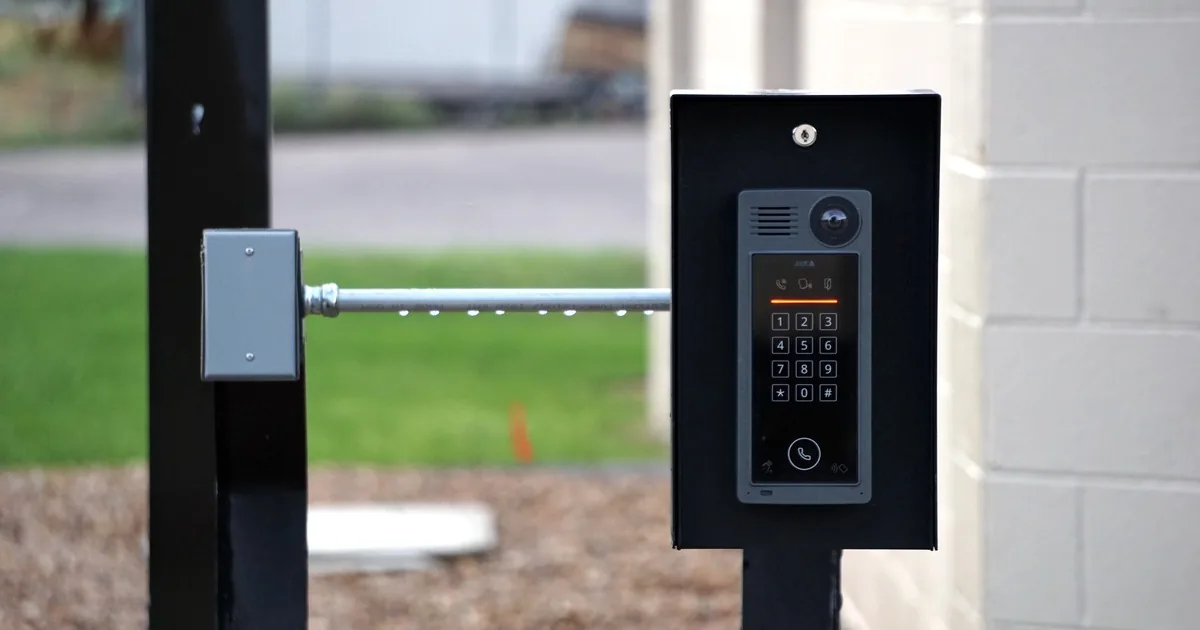
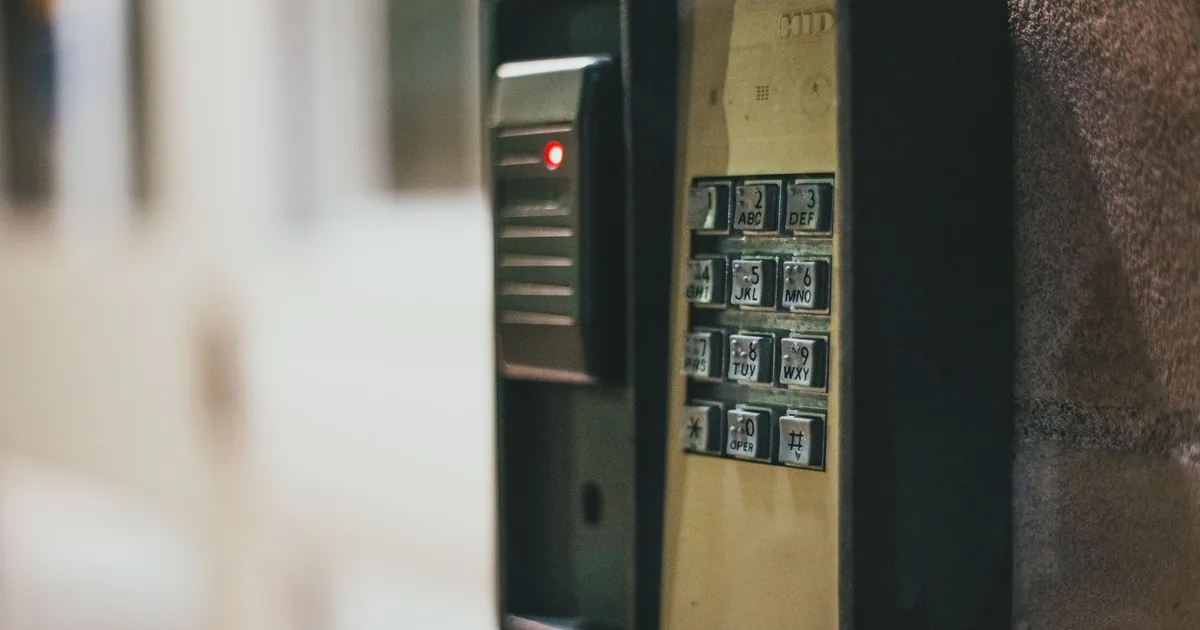
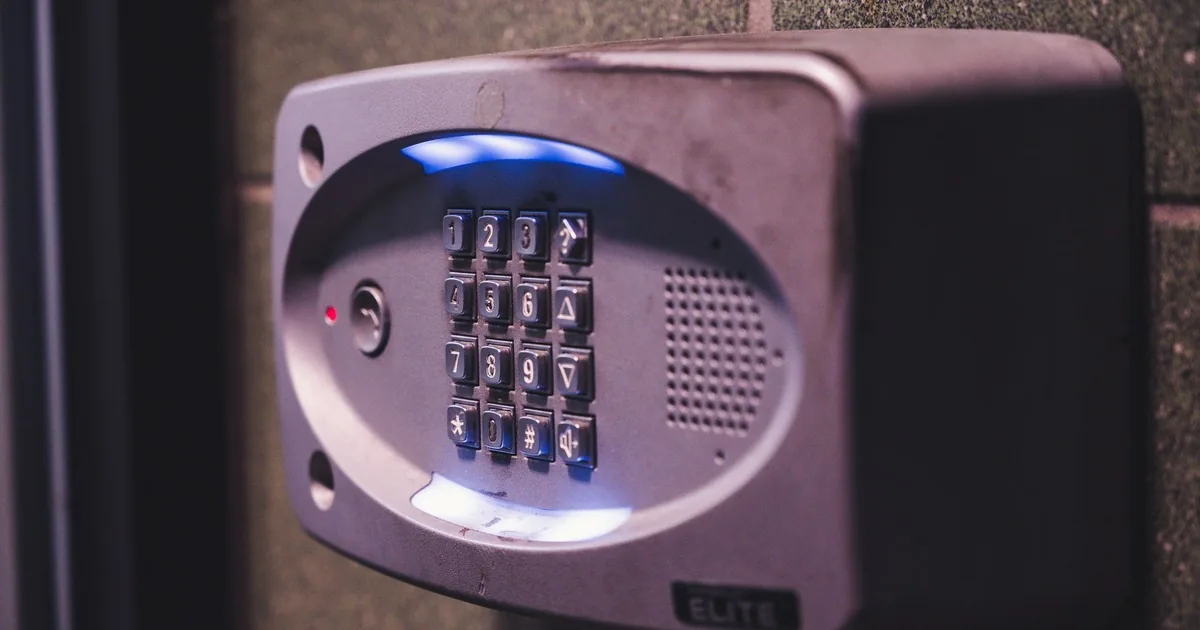
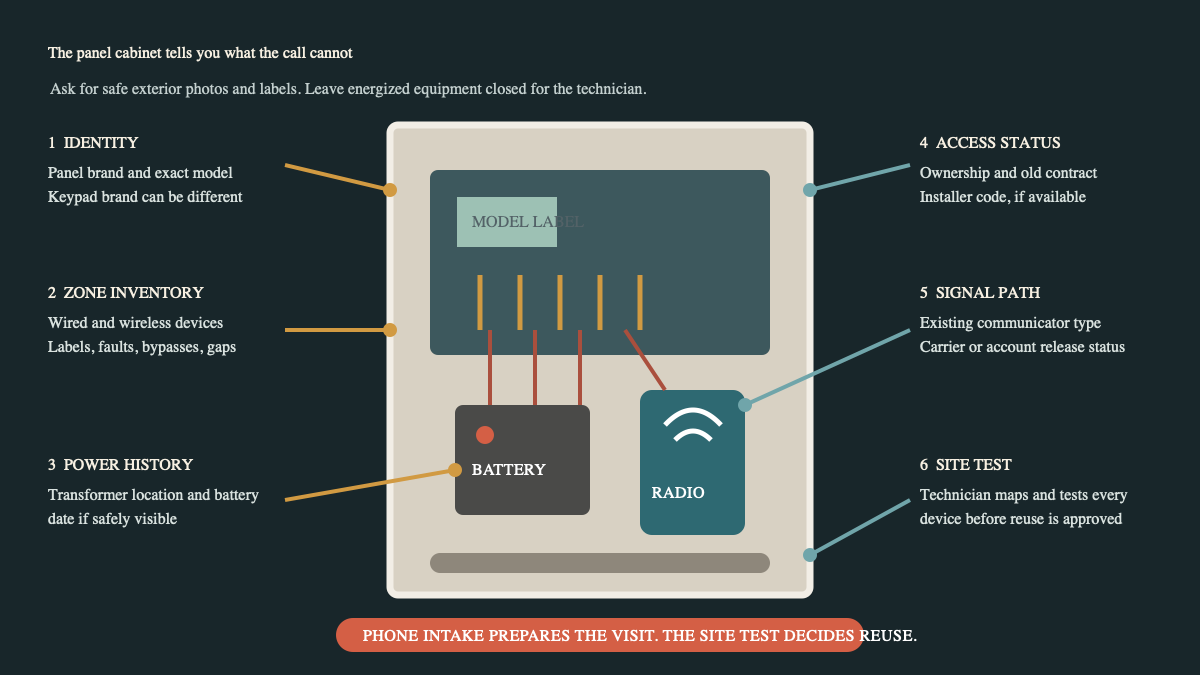
Start with the control equipment. Ask whether the caller sees a keypad, touchscreen, or metal alarm cabinet. Request a clear photo of the outside label and any model information that is visible without removing a cover. Keypad and panel brands can differ, so label each photo by location: front-entry keypad, basement cabinet, utility-room communicator.
Keep the caller out of the cabinet. Office staff should never ask an untrained person to remove a cover, touch terminals, disconnect a battery, or trace energized wiring. A closed-door photo and a readable model label are useful. The technician can open, map, and test the equipment on site.
Next, inventory what the caller believes is connected. Ask about door and window contacts, motion detectors, glassbreak detectors, panic buttons, sirens, smoke or carbon monoxide devices, water sensors, and any cameras or locks that appear in the same app. Record the caller's language. Do not relabel a device as a working alarm zone until it has been tested.
Visible behavior belongs in the note too. Does the keypad show trouble, low battery, communication failure, tamper, bypass, or a numbered zone? Does one door chime while another stays silent? When was the system last armed? A system that has been dormant since the house changed owners needs a different appointment from one that is actively monitored today.
Cunningham Security's takeover guidance describes identifying field devices and testing what is present. That is the right standard. A clean keypad screen is evidence about the keypad screen, not the sensor on a basement window.
Trace the signal path before calling it compatible
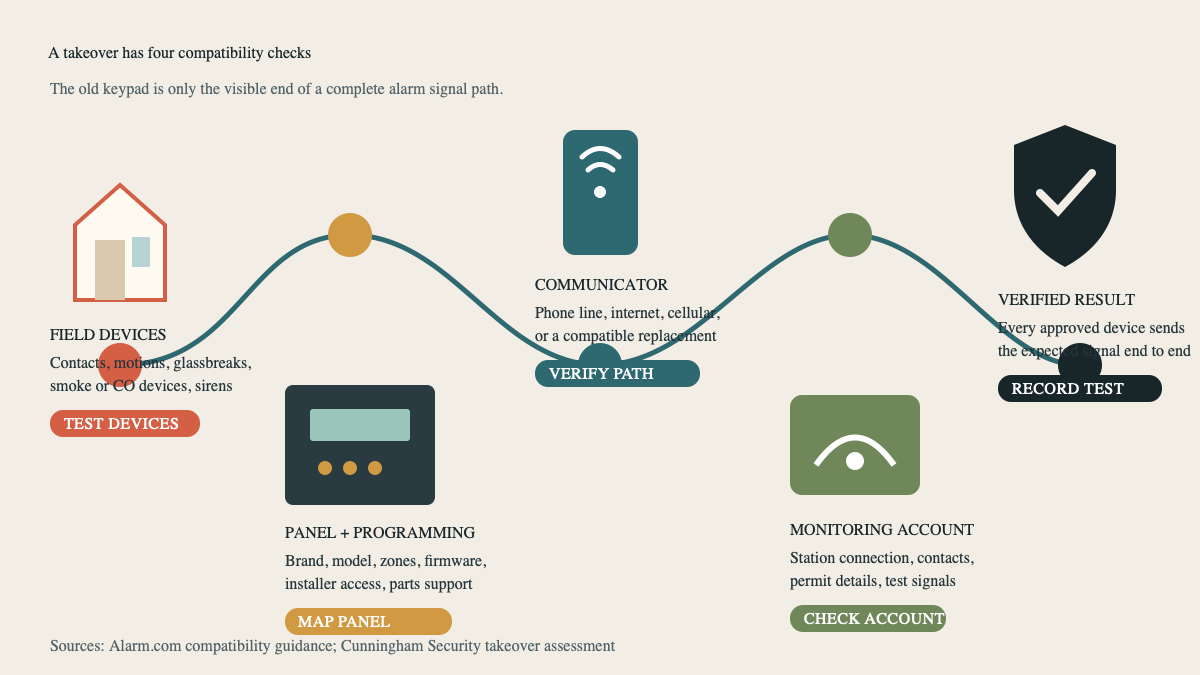
A monitored alarm has a chain. A field device changes state. The panel interprets that zone. The communicator sends an event. The receiving service gets the correct signal under the correct account and follows the authorized response plan.
Every link needs attention during a takeover.
Ask how the existing system communicates. The caller may know that it uses a phone line, internet connection, cellular radio, or a combination. If they do not know, record “unknown.” Avoid inferring cellular service because the customer uses an app. An app and the panel's reporting path are related only through the installed platform and configuration.
Legacy phone service deserves a flag. The Federal Communications Commission has warned that replacement networks may not support home alarms in the way consumers expect from copper service. If the caller canceled a landline, changed internet providers, replaced a router, or moved telephone service to a cable modem, put that change in the job record. The technician needs to verify the actual reporting path.
The communicator can also be tied to an old provider account or closed service platform. Ask whether the former company has released any cellular or cloud-connected equipment and whether the caller has written confirmation. Do not promise that a radio can be transferred because its lights are on. Hardware compatibility and account release are separate questions.
At the visit, the field handoff should require end-to-end testing. The technician maps the installed zones, confirms approved devices, configures the communication path, sends test events, and verifies that the receiving destination gets the expected information. The office should document the test result before describing the takeover as active.
Separate the old account from the installed hardware
A caller can own the house without owning every security component inside it. Equipment may have been purchased, financed, leased, provided under a service agreement, or left by a previous owner. Monitoring service and hardware ownership are separate records.
Ask for the current or former provider's name, the account holder, service status, and any known contract end date. If the caller says the agreement is canceled, request the cancellation or release confirmation under the company's normal policy. The new installer should not interpret another company's contract or promise that the prior account will close automatically.
Then ask about access. Does the caller have a master user code? Do they have an installer code in the original paperwork? Is the app account under an email address they control? Has a previous owner removed the property from that account? Record what exists without asking the caller to say a code aloud. Sensitive credentials should move through the company's approved secure handoff, not a general call note.
Connected equipment needs a credential reset plan. CISA's home network guidance advises changing default usernames and passwords and reviewing default configurations. During a legitimate takeover, the technician or account team should establish customer-controlled access, remove obsolete users where the platform permits, and document who owns the primary account. The exact steps depend on the equipment and provider.
Build one intake record the technician can use
A useful takeover note reads like a property and system inventory, not a sales summary. Capture:
- service address, property type, caller's relationship to the property, and move-in or closing date if relevant;
- current or former monitoring provider, account holder, service status, and known contract or release information;
- panel, keypad, and communicator brand or model labels from safe exterior photos;
- visible keypad messages, last known armed use, and any recent phone, internet, router, or power change;
- reported door contacts, window contacts, motions, glassbreaks, sirens, panic devices, environmental sensors, cameras, locks, and connected apps;
- known master or installer access, recorded only as available or unavailable, with credentials sent through the secure process;
- requested result, such as professional monitoring, app access, cellular communication, equipment repair, added devices, or a complete upgrade;
- cabinet location, parking, gate, tenant, pet, ladder, and authorized-adult access details.
Read the record back. “You have an existing keypad at the front entry, a metal cabinet in the basement, six door or window contacts that you know about, and a communication-failure message that appeared after the internet change. You want us to assess the system for new monitoring and app access.” That handoff tells the technician what evidence exists and what remains unknown.
Route the appointment by uncertainty
A takeover assessment needs a technician who can support the panel families the office accepts and who can work with the company's monitoring platform. Match the appointment to the reported equipment when possible. If the panel is unknown, the system has been dormant, life-safety devices are connected, several faults are showing, or the communicator status is unclear, reserve enough time for identification and testing.
Use a pre-visit document request for label photos, prior service paperwork, a device list, and account-release confirmation. Photos should prepare the truck. They should not become a remote approval to reuse equipment.
If the installed system is outside company support, say so before dispatch once the evidence is conclusive. If the evidence is incomplete, offer the assessment with its scope and fee stated plainly. The home security installation consultation guide covers broader design questions when the job becomes an upgrade. Camera-only additions belong in the camera and doorbell installation intake.
An AI receptionist can collect labels, provider details, fault messages, device inventory, and secure follow-up tasks after hours. Compatibility still belongs to the installer. The best final note is short and honest: what the caller reported, what the photos show, and what the technician must prove before the new monitoring account goes live.
Sources
- Alarm.com Consumer FAQs
- Cunningham Security: Alarm System Takeover and Switch Monitoring
- American Alarm: Can I Use My Existing Home Security System When Switching Providers?
- CISA: Home Network Security
- FCC: Protecting Consumers in the Transition from Copper Networks