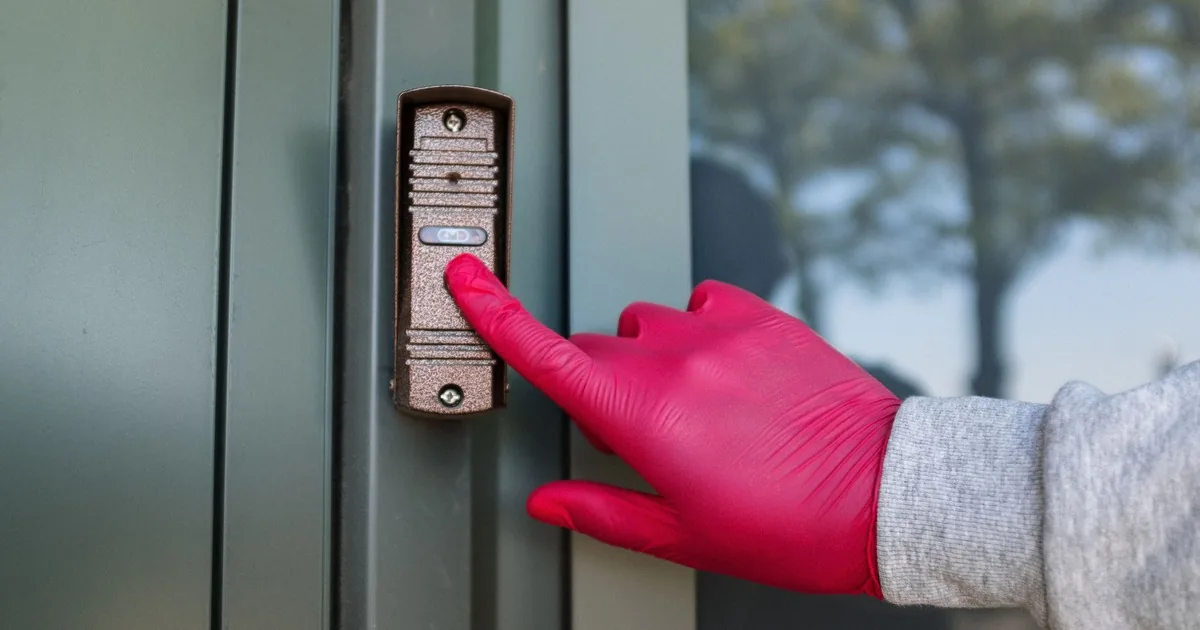
A homeowner calls and says, “My video doorbell is dead.” Thirty seconds later, it turns out the button still lights up, the indoor chime works, and the app says the device went offline shortly after a new router was installed.
“Dead” was the caller’s summary. It was never the symptom.
Start a video doorbell troubleshooting call with five facts: the exact device model, battery or hardwired power, what still works, what the app shows, and what changed before the problem began. Then route the visit according to the evidence. Office staff can collect app screenshots, status-light behavior, chime details, and network history. A qualified field professional should handle transformer testing, concealed wiring, and energized equipment.
That split gives the technician a useful job record while keeping the caller out of electrical boxes.
Turn the first sentence into an observable symptom
Ask the caller to describe one failed action. “When you press the button, what happens at the door, inside the house, and in the app?” The answer separates a dark device from a missing chime, a lost network connection, a blank live view, delayed alerts, or one-way audio.
Record when the problem started and whether it is constant. A doorbell that loses power only when the button is pressed presents a different field problem from one that stays online but never sends a phone notification. Ring’s hardwired power guidance lists button-related shutdown, chime trouble, unavailable features, and poor power status among symptoms worth checking. Those clues still do not prove a transformer fault. They tell the office which evidence to request and which skill to dispatch.
Get the manufacturer and exact model next. “It’s a Ring” or “It’s a Nest” may cover several generations with different batteries, chimes, accessories, and power requirements. Ask for the model shown in the app, on the original order, or on a safe exterior label. Do not ask the caller to remove the device solely to find a label.
The installation type belongs on the first line of the note. Is it battery-powered, hardwired, plugged into an adapter, or battery-powered with existing chime wires attached? If the caller is unsure, write “unknown.” A guess here can send the wrong technician with the wrong equipment.
Separate the four paths behind one doorbell
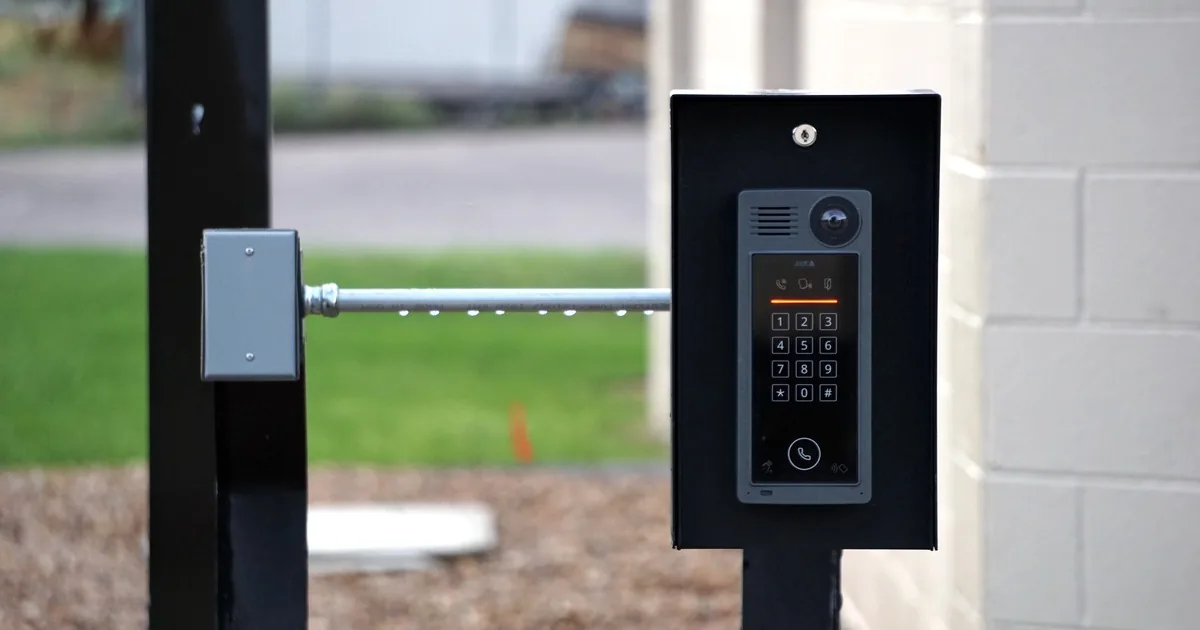
An installed video doorbell sits at the intersection of several systems. The porch device has a camera, button, microphone, speaker, status light, and local electronics. Power comes from a rechargeable battery, a wired circuit, or an approved adapter. The home may have a mechanical, digital, plug-in, or speaker-based chime. Wi-Fi connects the device to an app and service account.
A failure in any one of those paths can produce the same opening complaint.
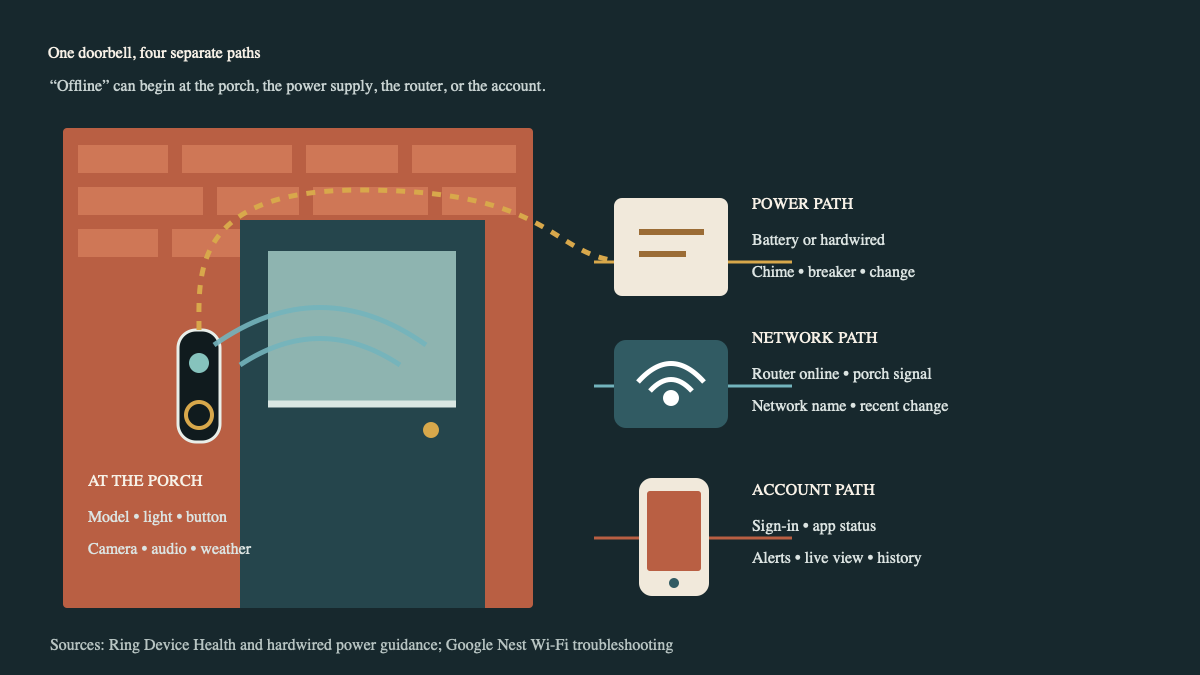
Walk through the paths in order. At the porch, ask whether the button lights, the unit makes a sound, the camera sees anything, or the device feels unusually hot. Stop remote troubleshooting if the caller reports smoke, scorching, melted plastic, exposed conductors, repeated breaker trips, or a burning smell. The office should direct the caller to follow the company’s electrical safety procedure and arrange appropriate field help.
For power, record the battery percentage or power status shown in the app when available. Note whether the indoor chime hums, rings continuously, stays silent, or changes when the button is pressed. Ask whether anyone recently replaced the doorbell, chime, transformer, breaker, or nearby wiring. Exact electrical ratings belong to the device documentation and the field check. There is no useful universal number for every model.
For the network path, begin with the house. Can a phone or laptop use the internet near the front door? Was the router replaced? Did the network name or password change? Did the homeowner move a mesh node, add an extender, or change router settings? Google Nest’s connection guidance directs users to check device power, the wider internet connection, router location, interference, settings, and recent network changes. That sequence is more reliable than blaming signal strength immediately.
The account path comes last. Confirm which app the caller uses, whether the device appears in that account, and whether the caller can sign in as the owner. Never place a Wi-Fi password, account password, recovery code, or one-time verification code in an ordinary job note.
Ask for evidence the caller can collect safely
A screenshot can replace several minutes of vague description. Ring Device Health, for example, can show product identity, power source, battery level, and network signal information. Other platforms expose different fields, so ask the caller to capture the screen they can see without reading private credentials aloud.
A strong pre-visit record includes:
- manufacturer, exact model, installation type, and approximate installation date;
- the failed action in the caller’s words, plus what still works at the button, chime, app, live view, audio, and alerts;
- app status, battery or power status, network evidence, and one timestamped example;
- recent router, password, internet-provider, breaker, chime, wiring, subscription, app, or account changes;
- safe photos of the installed doorbell, the closed chime cover, and any visible exterior labels;
- account ownership, app access, and whether another household member still receives alerts;
- property access, gate, tenant, pet, parking, and authorized-adult details.
Read the summary back in plain language. “The wired doorbell still lights and the mechanical chime still rings. Live view stopped after the router replacement on Saturday. The app lists the device as offline, and other devices have internet near the entry.” A technician can work with that.
Avoid turning the call into a twenty-minute remote repair session. One safe restart or manufacturer-directed check may make sense under the company’s script. Repeating random resets, changing router security, deleting the device, and opening wall-mounted equipment can destroy evidence or create a second problem.
Protect account access and recorded history
A restart and a factory reset are different actions. Google’s Nest reset guidance says a factory reset erases personalized settings and video history, restores defaults, and requires the device to be set up again. Before anyone resets a doorbell, confirm that the account owner can sign in, understands the consequences, and has saved any recording that matters.
That warning matters after theft, vandalism, a delivery dispute, or any event the homeowner may need to preserve. The office should not interpret the evidentiary value of a clip. It should avoid giving a casual instruction that erases it.
Home network security belongs in the handoff too. CISA’s home Wi-Fi guidance recommends current router software, strong credentials, and secure configuration. If the trouble began after a router change, record the change without asking the caller to weaken security or disclose a password. The technician can compare the device’s requirements with the homeowner’s approved network configuration on site.
Route the appointment by symptom and field skill
The first failed action should control the appointment type. A dark device with uncertain hardwired power needs someone qualified to inspect that power path. An offline device that still powers up may need network and platform diagnosis. A humming or silent chime requires the exact doorbell, chime, and power arrangement. Missing alerts with a working live view point the first review toward app permissions, account ownership, settings, and service status.
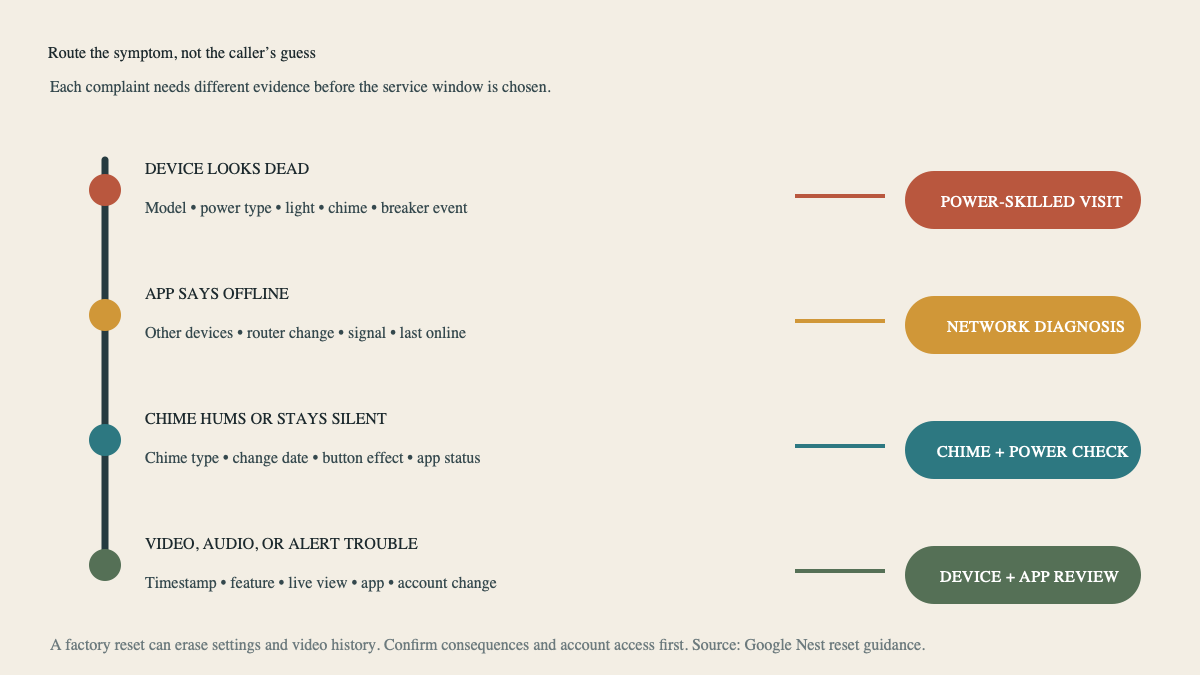
Do not promise a repair before confirming that the company supports the brand and model. Some jobs end with a battery replacement or network correction. Others reveal an incompatible chime, damaged wiring, an account problem, discontinued equipment, or a device that should be replaced. The appointment is a diagnosis until the technician has tested the relevant paths.
Keep new-install questions on their own route. A caller adding a first doorbell, moving the device, changing the viewing angle, or planning new camera coverage needs the camera and doorbell installation intake. A larger alarm, camera, access, and monitoring project belongs in the home security installation consultation guide.
An AI receptionist can collect the model, app status, chime behavior, change history, screenshots, and access details after hours. The field decision stays with the installer. By the time the truck rolls, the job note should say exactly what failed, what still works, what changed, and which system must be proved at the front door.
Sources
- Ring: Checking Device Health in the Ring App
- Ring: Troubleshooting Power for Hardwired Doorbells
- Google Nest: Fix Camera or Doorbell Wi-Fi Issues
- Google Nest: Restart or Factory Reset a Camera or Doorbell
- CISA: Secure Your Home Wi-Fi