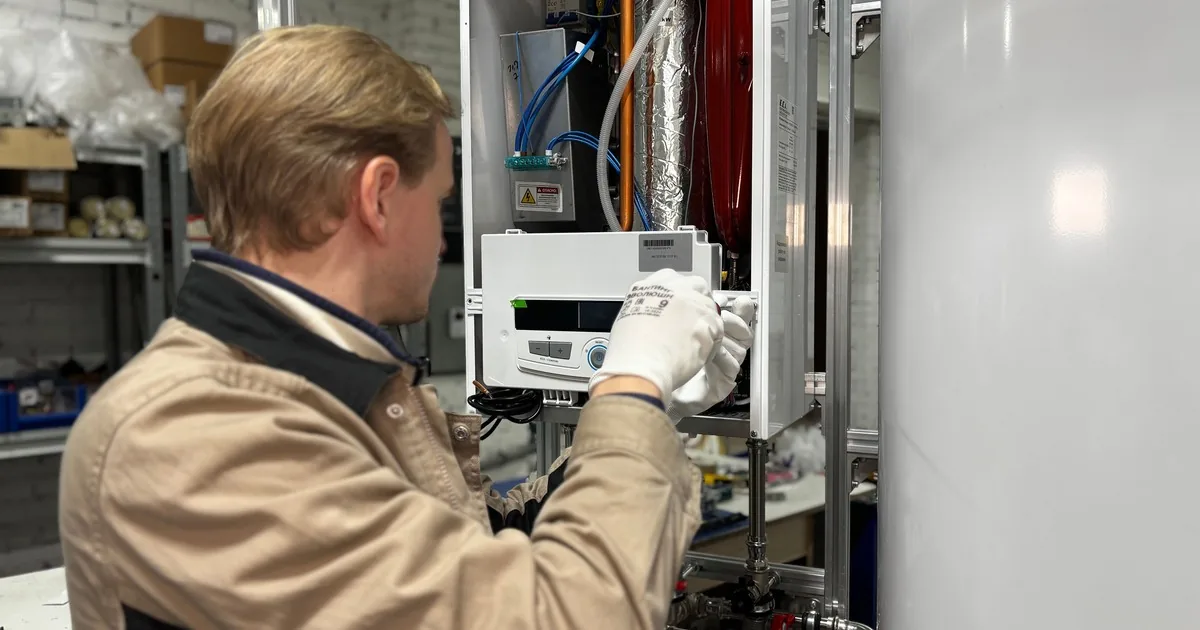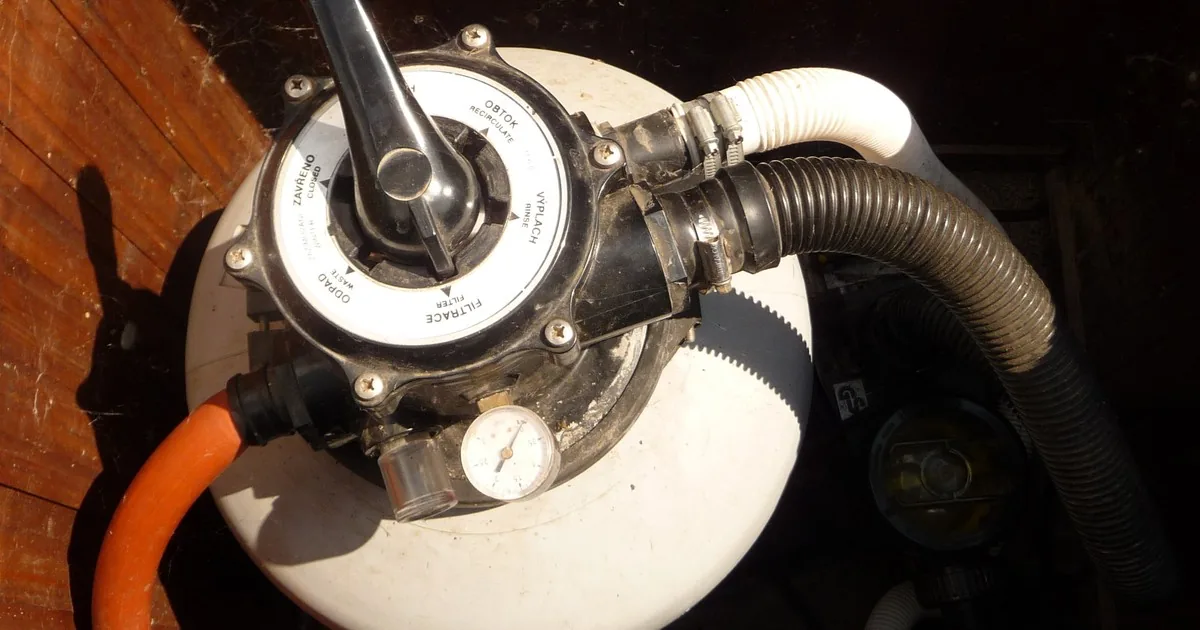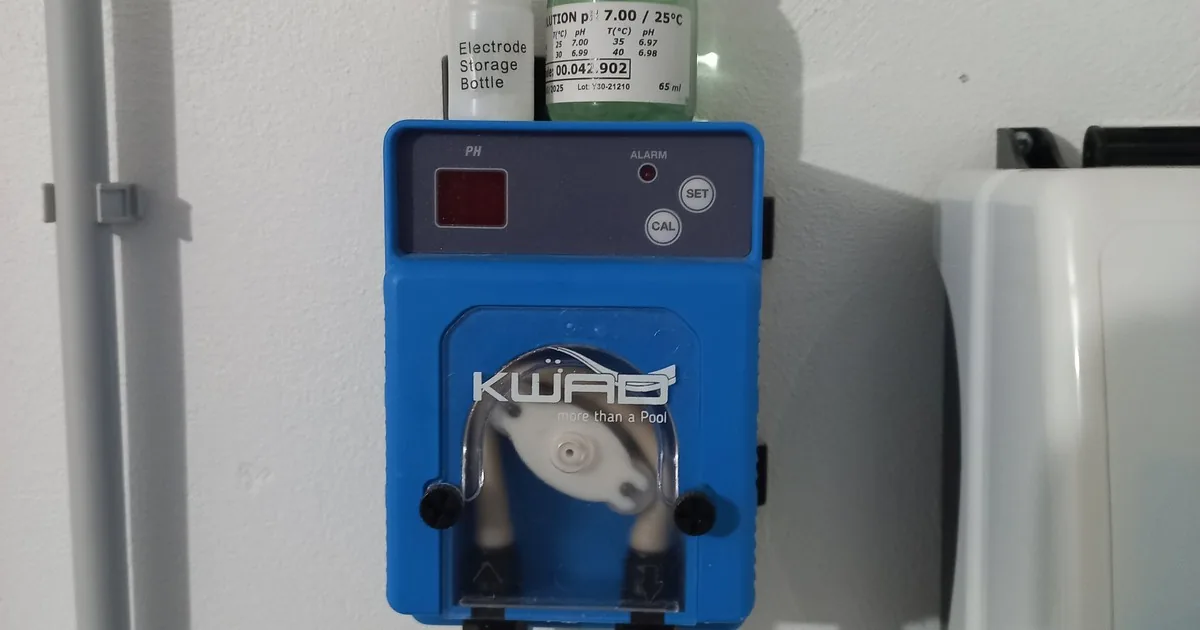
“My salt system stopped working” can mean a red flow light, low chlorine on a water test, a controller that says “inspect cell,” or a pool owner who expected salt water to maintain itself. Those are different service calls.
Start by identifying the installed equipment. Then preserve the display state, ask whether the pump is running, capture an independent water test, and record what changed before the problem appeared. Book the visit as diagnosis unless a technician has already reviewed the evidence. A light or error message rarely proves which part needs service.
Start with the exact equipment at the property
Ask for the controller brand and model, the cell model, and any automation system connected to them. These are separate pieces of information. A homeowner may say “Pentair system” because the pump carries that name while the salt generator is another brand. A clear photograph of the control panel, cell label, and equipment pad usually settles the question faster than a long description.
Capture the service address, account name, best callback number, and the person authorized to approve work. Ask where the equipment is located and whether the technician will need a gate code, equipment-room key, dog restraint, or access through the house. For a rental or managed property, identify the onsite contact and the person who can authorize a diagnostic charge or repair.
If the customer knows when the system was installed, record it as customer-reported information. Do the same for a recent cell replacement, controller replacement, pump change, plumbing work, or pool resurfacing. Avoid turning age into a verdict. The model, current condition, service history, and field measurements matter more than a guess based on a purchase year.
The pool pump and filter repair intake guide covers circulation complaints in more detail. A salt-generator call often crosses that same equipment path, so the office should not treat the cell as an isolated appliance.
Preserve the display before anyone resets it
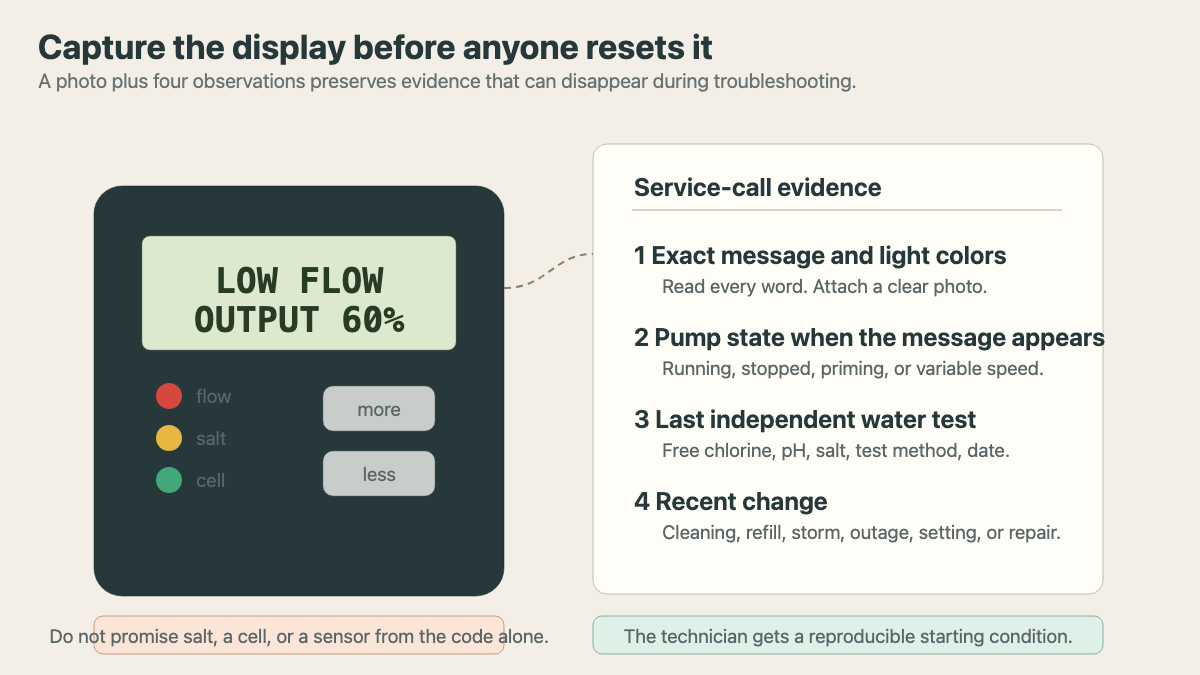
Ask the caller to read the screen exactly as it appears. Record capitalization, numbers, symbols, and every illuminated or flashing light. “It has a red light” is incomplete. “Flow is solid red, salt is flashing red, cell is dark, and output shows 60%” gives the technician a starting condition.
Request a photograph when company policy allows it. The image should show the whole panel and a closer view of the display. If the system uses an app, capture the app message and the physical controller separately. An app status can lag, lose connection, or summarize several equipment states under one alert.
Do not ask the caller to clear an alert, change cell type, open electrical equipment, disconnect a cable, or begin a cleaning procedure. A reset may erase useful evidence. Electrical and acid-cleaning work belongs with trained personnel following the installed model’s manual and company safety procedure.
The output setting also belongs in the ticket. Record the displayed percentage without deciding whether it is correct. Manufacturer controls often vary chlorine production through a combination of output setting and pump runtime. A reported 100% setting does not show how long the pump ran, whether the cell had adequate flow, or how much chlorine demand the water had.
Separate controller estimates from water-test evidence
Ask when the water was last tested, who tested it, and which method was used. Record free chlorine, pH, and salt when the caller has those results. Include the test date. “The water is fine” and “the store said salt was low” should be followed by the actual readings if they are available.
Salt readings deserve care. The Pentair iChlor manual tells owners to test the water’s salt level before adding salt. Its indicator ranges apply to that product family, not every generator. Hayward’s AquaRite guide likewise treats average salt, cell voltage, amperage, output, water temperature, and configured cell size as related diagnostic information. Reception should record the installed system’s display and the independent test without converting either one into a salt-addition instruction.
Chlorine and pH still matter in a saltwater pool. A salt chlorine generator makes chlorine from dissolved salt. It does not remove the need to test the water. The CDC’s home-pool guidance recommends pH between 7.0 and 7.8 and at least 1 ppm chlorine in pools. When cyanuric acid is used, CDC recommends at least 2 ppm chlorine. Company procedures and the installed equipment manual may set a narrower operating target.
Ask about the water’s appearance and use. Is it clear, dull, cloudy, or green? Did a party, storm, refill, heat wave, or long sunny period occur before the reading changed? Has anyone added liquid chlorine, shock, stabilizer, acid, salt, algaecide, or another product? Record product names and timing when known. The service technician needs that history, but reception should not prescribe a correction from it.
Check the circulation state without diagnosing the pump
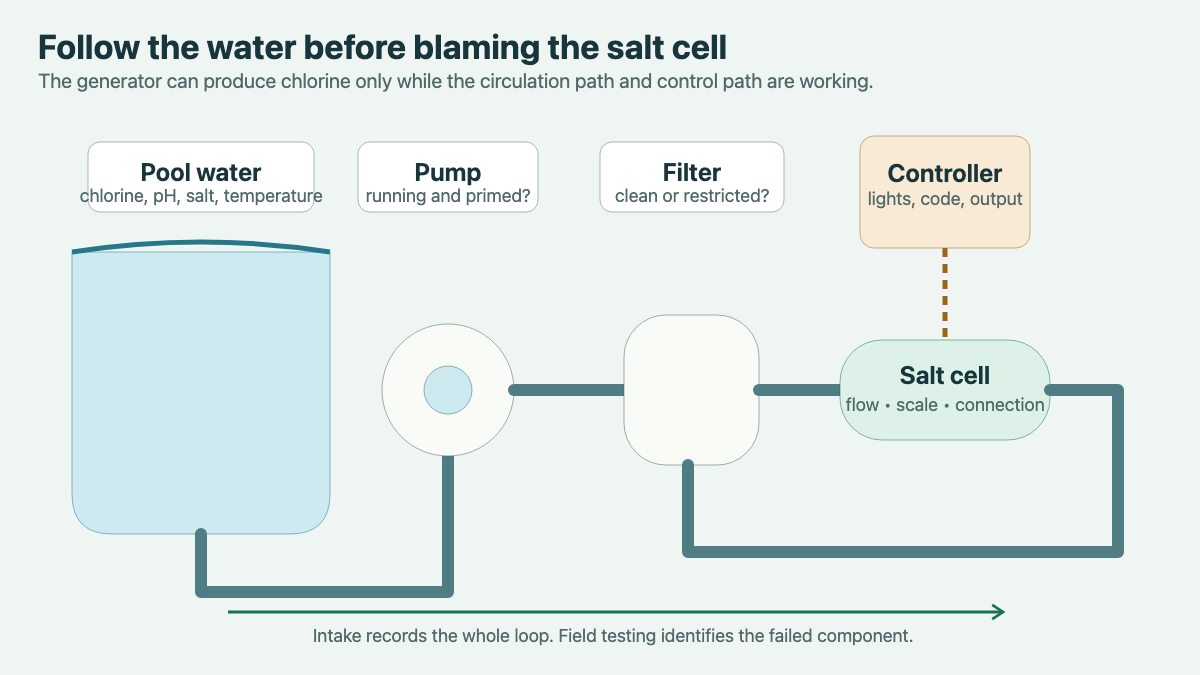
Ask whether the pump is running at the moment the warning appears. If it is a variable-speed pump, record the displayed speed or program name if the caller can read it safely. Then ask whether the pump basket appears full of water, whether air is visible under the lid, and whether water is returning to the pool. These are observations, not instructions to open equipment.
Capture recent circulation changes. A filter cleaning, backwash, valve adjustment, pump schedule change, power outage, automation update, or plumbing repair can alter what the salt system sees. Ask whether the alert appears all day or only at a particular pump schedule. If it clears at one speed and returns at another, write down the times and settings exactly as reported.
Manufacturer guidance makes the flow relationship clear. Pentair states that its generator should operate only while the pool pump is on and water is moving through the cell. The same manual lists a dirty filter, an obstruction, pump performance, and a flow-switch problem among possible reasons for a red flow indication. That list explains why the office should preserve the circulation evidence. It does not authorize a phone diagnosis.
Ask what changed before the complaint
A short timeline can save a return call. Record the last date the customer believes the system worked normally, when the alert first appeared, and whether the problem is constant or intermittent. Then ask about changes near that date.
Useful changes include a power interruption, pump or filter service, a new schedule, water added after rain or draining, a large salt addition, cell cleaning, an automation setting change, or work by another contractor. Also ask whether the customer hears unusual pump noise, sees a leak at a union, notices a damaged cable, or finds the controller blank. Do not direct the caller to touch wet electrical equipment or remove the cell for inspection.
Water temperature can explain some seasonal reports. The Pentair iChlor manual, for example, says that model stops chlorine production in cold water and displays a cold condition. Other models use their own thresholds and messages. Record the pool temperature and the exact display state, then let the installed manual and technician determine whether the behavior is normal for that unit.
Book a diagnostic visit with a clean scope
Read the evidence back before offering the appointment: “I have an AquaRite controller with a T-15 cell, a flashing inspect-cell light, an average salt display of 2,700, a store test from yesterday, and a pump that is running on its normal schedule. The alert started after the filter was cleaned on Thursday.” The customer can correct a model number or date while still on the phone.
Describe the next step as a salt-system diagnostic or pool-equipment diagnostic according to the company’s service menu. State what the visit includes, the arrival window, diagnostic charge, access needs, and who must approve additional work. Avoid promising a cell replacement, board, flow sensor, cleaning, salt addition, or same-day repair before the system has been tested.
The weekly pool maintenance signup guide is useful when the caller needs continuing water care after the immediate fault is resolved. Keep that conversation separate from the repair scope so the service ticket remains precise.
An AI receptionist can collect the same approved fields after hours: model photos, exact display text, pump state, recent water results, change history, and access details. The company still controls safety language, service types, pricing, and escalation. When the technician opens the ticket, the original display state should still be there, along with enough context to reproduce the complaint at the equipment pad.