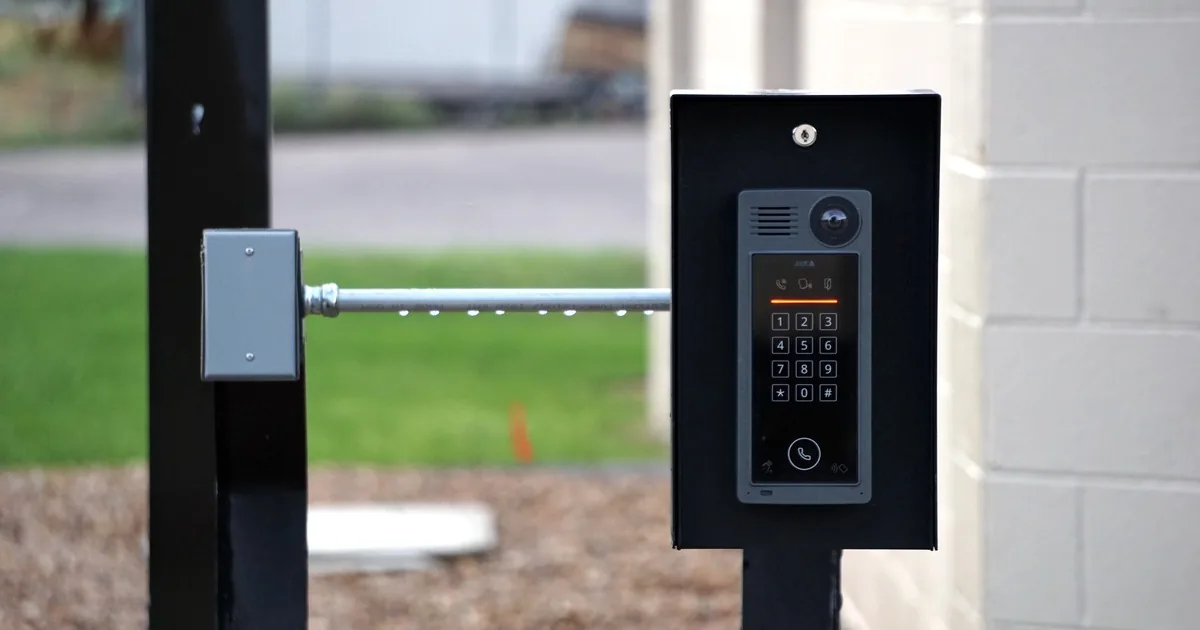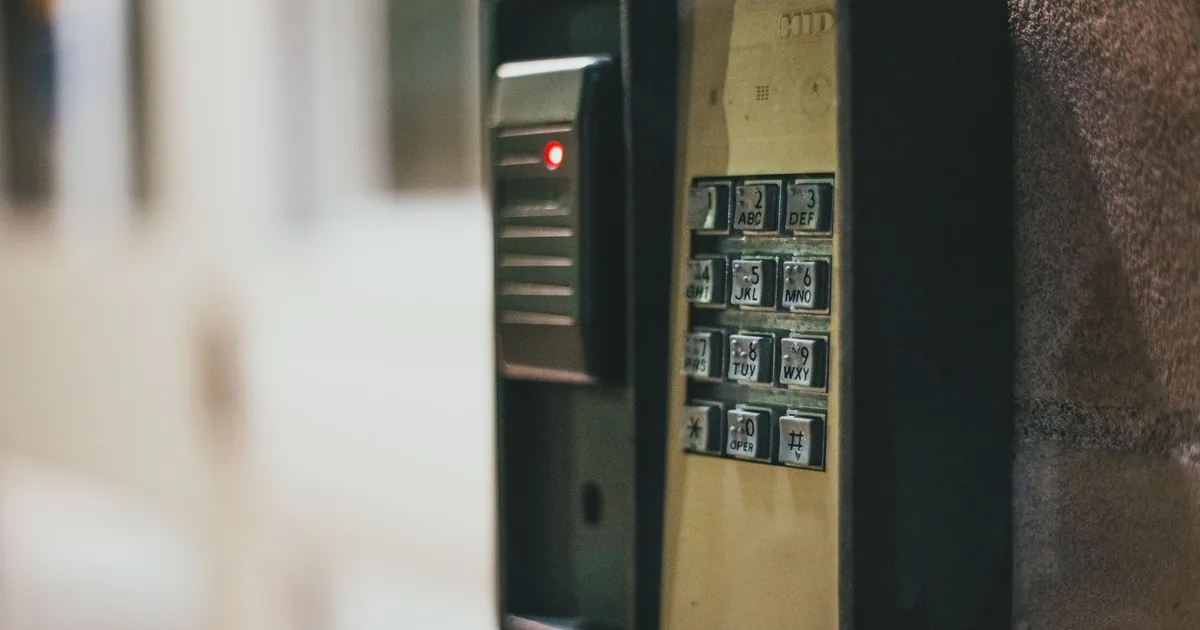
A bakery owner calls and asks, “How much for key cards on four doors?” The quick answer is tempting. It is also likely to create a bad appointment note.
Those four openings may include a glass public entrance that stays unlocked during store hours, a steel staff door used at 4:30 a.m., a stockroom door limited to managers, and a rear delivery door with worn hardware. Each one has a different job. Before an access-control installer discusses readers, credentials, or a firm price, the office should map the doors, the people who use them, and the hours when access changes.
A strong first call produces a site-survey brief. Capture the address and business type, count the controlled openings, identify user groups and schedules, record current hardware and site conditions, then name the person who will administer the system. Hardware selection, egress review, and final pricing belong after qualified field inspection.
Start with the opening, not the credential
Callers often lead with a product: key cards, fobs, a keypad, or phone access. Record that preference, but do not let it organize the call. The physical opening comes first.
Ask the caller to walk through the property one door at a time. Give each opening a plain name that will survive the handoff, such as “front customer entrance,” “rear staff door,” or “second-floor records room.” “Door one” means little when the estimator arrives at a building with two storefronts and a shared hallway.
For each opening, ask what is supposed to happen during a normal day. Does the public enter freely while the business is open? Do employees present a credential every time? Is the door used for deliveries, emergency exit, tenant access, or entry to a restricted room? A door can serve more than one purpose, which is exactly why the survey needs context.
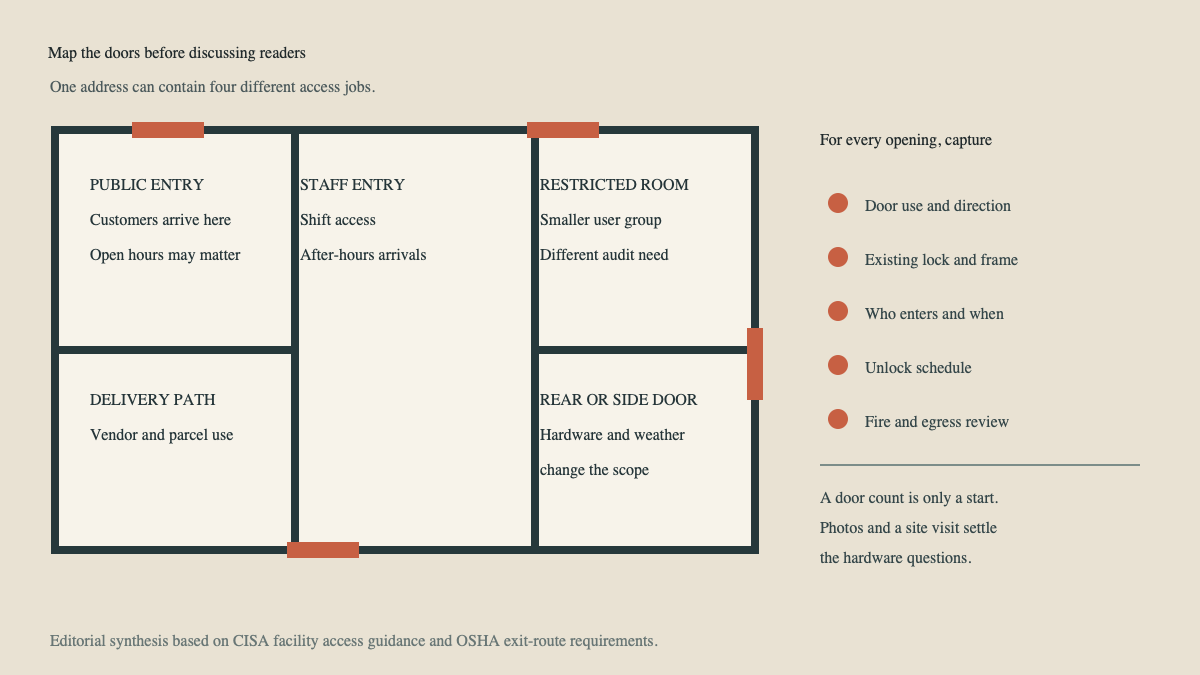
Then collect photos if the company accepts them securely. Useful views show the full door from each side, the frame, current lock or panic hardware, nearby walls, and the area where a reader might be mounted. Photos improve the survey brief, but they do not replace the survey. Door construction, wiring routes, power, network availability, landlord restrictions, and existing hardware still need field review.
The Answara home-security resource library has related call-intake guides, but commercial access control deserves its own opening-by-opening record. A residential alarm consultation rarely includes employee shifts, vendor permissions, and a manager-only stockroom.
Map people to doors and hours
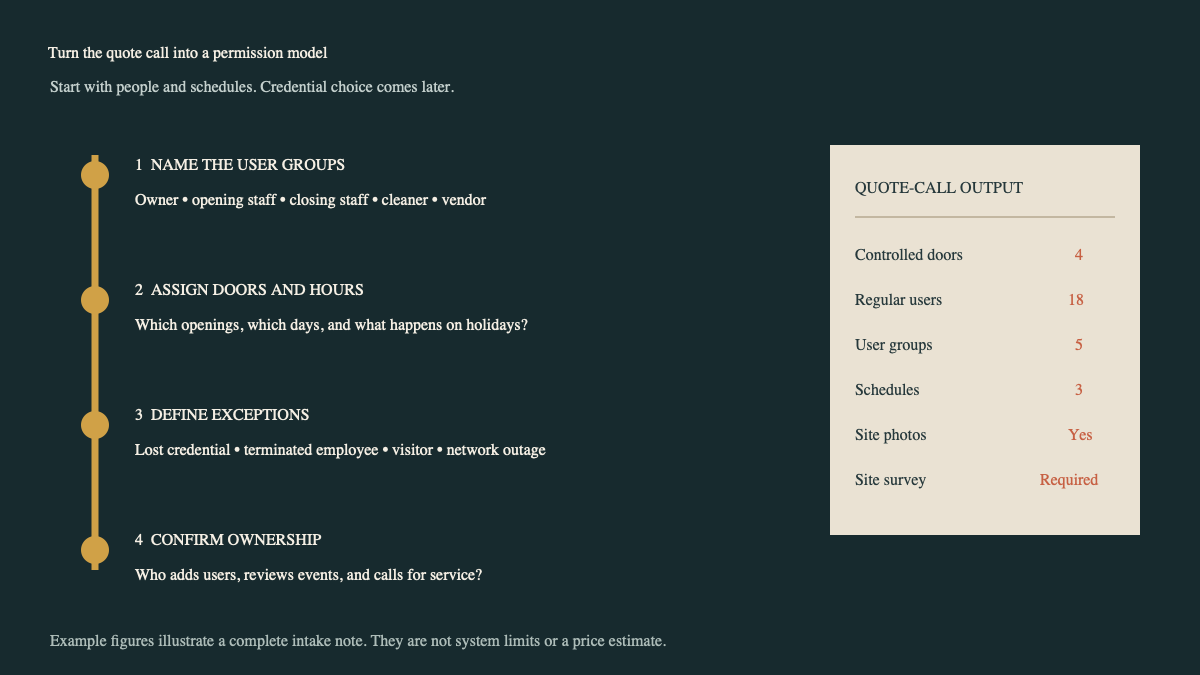
“About twenty employees” is not enough. The useful unit is the user group: people who need the same access to the same openings on the same schedule.
A small medical office might have providers, front-desk staff, cleaners, a practice manager, and an outside lab courier. A cabinet shop could have office staff, production employees, supervisors, a weekend maintenance vendor, and the owner. Ask for groups first. The exact names can be added later during enrollment.
For every group, capture which doors they use and when. Get the actual schedule, including early arrivals, late closings, weekends, and holiday exceptions. “Business hours” can mean the lobby opens at 8:00 a.m. while two employees enter through the rear at 6:30. That distinction affects the permission plan.
Ask who needs access outside the usual schedule and how often that happens. Occasional access may call for a different workflow than permanent access. A delivery driver who arrives every Tuesday is a different case from a plumber who needs one supervised visit.
Credential preference belongs here, after the permission model is visible. Cards, fobs, PINs, and mobile credentials have different operational demands. The installer can recommend options once the survey confirms the doors, system architecture, user needs, and management setup. The office should avoid declaring one credential type “best” during intake.
Ask what happens on the awkward days
Routine schedules are easy. Exceptions reveal whether the proposed workflow will hold up after installation.
Ask how the business wants to handle a lost credential, a terminated employee, a new hire, a temporary contractor, and a visitor who arrives before the host. Add holidays, internet outages, and power interruptions to the discussion. The call handler does not need to design the response. The estimator needs to know which events matter to this customer.
Ownership is another common gap. Someone must add and remove users, adjust schedules, review events when appropriate, order replacement credentials, and call for service. Identify that person or role during intake. If an outside property manager or IT company will participate, record the organization and contact relationship.
Multi-tenant properties need extra care. Ask who owns the doors, who approves alterations, and whether a landlord controls common entrances. Never promise that a tenant can modify a shared opening. The site survey may require the property owner, building manager, fire-alarm contractor, locksmith, or IT provider to join the next step.
The same principle applies when existing equipment will remain. Record the manufacturer and model if the caller knows them, plus any labels visible on readers, panels, or software. Ask who currently manages the system and whether the customer can access the administrative account. The alarm-system takeover intake guide covers this ownership problem in more detail.
Keep safety and code promises off the quote call
Electronic access hardware affects a door that people may need to use during an emergency. That makes casual assurances risky.
OSHA’s workplace exit-route standard says an exit-route door must be openable from the inside without keys, tools, or special knowledge, subject to the rule’s stated exceptions. Local fire, building, accessibility, and permitting requirements can add other constraints. The office should flag every opening that may be part of an exit path and send it to qualified review. Do not tell the caller that a proposed lock “meets code” based on a photo or description.
Also avoid remote hardware prescriptions. A caller may describe a “normal metal door” while the site contains panic hardware, a narrow frame, a fire-rated assembly, or a failing closer. The estimator needs to inspect the opening and coordinate any required trades.
A useful response sounds like this: “I’ll mark that as a rear exit used by closing staff. Our field survey will confirm the existing hardware, safe operation, and applicable requirements before we specify equipment.” It sets a clear next step without practicing design by phone.
Build the estimator’s survey brief
Before ending the call, read back the scope in ordinary language. A complete handoff should contain:
- service address, business type, caller, decision-maker, and property-approval contacts
- each controlled opening by location and purpose, with available photos
- current lock, reader, alarm, intercom, or access equipment the caller can identify
- user groups, approximate user counts, assigned openings, and regular schedules
- visitor, delivery, contractor, lost-credential, termination, holiday, outage, and emergency concerns
- desired credential ideas, integrations, event-review needs, and the future system administrator
- known power, network, construction, landlord, and timing constraints
- openings that need egress, fire, accessibility, or other qualified review
Do not turn approximate counts into a price promise. A statement such as “four doors and eighteen users” helps the estimator prepare, but it does not settle hardware, labor, subscriptions, cabling, or coordination. Industry buyer guides make the same practical point: a quote should state what is included, including door hardware, readers, controllers, credentials, software, installation, and related work.
The office can also set expectations for the survey. Explain who should attend, what access the technician needs, and which records would help. Existing system details, floor plans, door schedules, landlord rules, and IT contacts can prevent a second fact-finding visit.
A general home-security installation consultation guide can help with broader project intake. For this call, keep the handoff centered on controlled openings and permission rules. That is the information the estimator cannot reconstruct from “We need key cards on four doors.”
Sources
- CISA: ISC Best Practices for Facility Access Control
- IDManagement.gov: Physical Access Control Systems 101
- OSHA: Design and construction requirements for exit routes
- Rhombus: Door Access Control Systems buyer guide
- Avigilon: Choosing a door access system