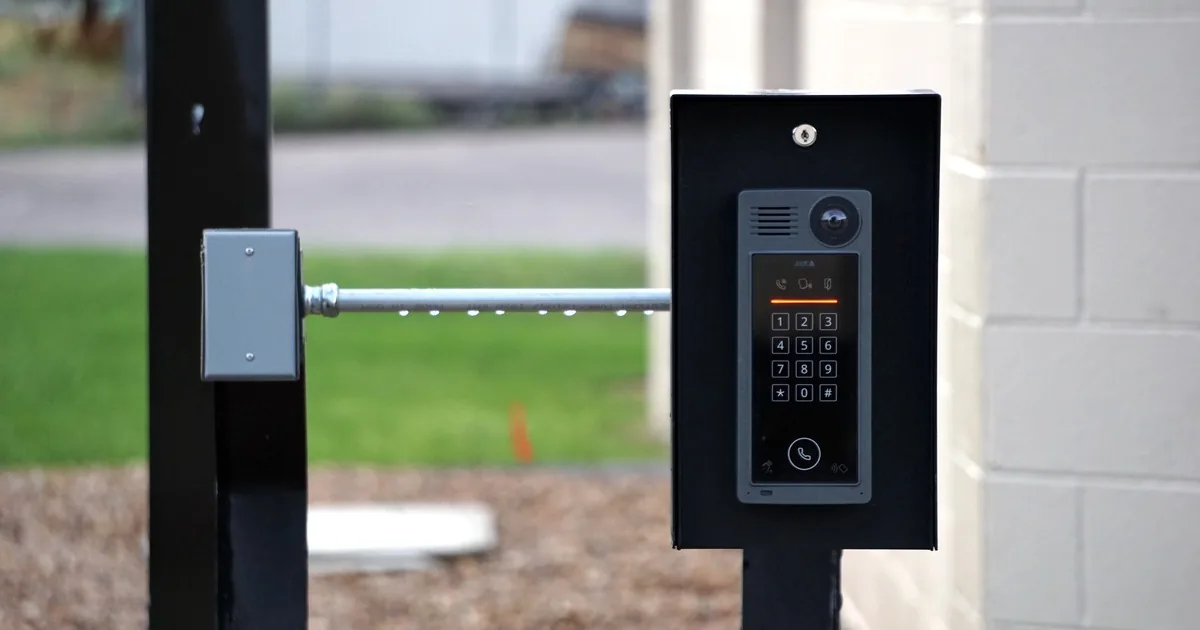
The caller has a closing date, a stack of boxes, and one broad request: “I need to move my alarm system.” That sentence hides two jobs. The old property needs a clean release, while the new property needs its own security plan, account details, network setup, and test.
A good office does not promise that every sensor can come off the wall or that the old package will cover the new house. Equipment ownership and moving policies vary. ADT, for example, distinguishes between some self-installed systems that may travel with the customer and professionally installed systems that stay put. Ring and SimpliSafe publish their own moving procedures for portable devices. The useful first response is simple: “Let’s go through each address separately so we can confirm what happens at the old home and what the new home needs.”
Open one move record with two address sections
Put both properties in the same customer record, but give each a distinct scope. Mixing the details invites mistakes. A note such as “move four contacts and two cameras” says nothing about where those devices are installed today, who owns them, or whether six devices cover the destination.
Start with the dates and decision-makers:
- Old property address, closing or lease-end date, and last day the customer expects protection there
- New property address, possession date, move-in date, and earliest installation access
- Current account holder and the person authorized to approve work at each property
- Whether the caller owns, rents, sells, or manages either home
- Current provider, installer, monitoring status, and any agreement the customer needs to review
- Whether a buyer, landlord, property manager, or new tenant expects equipment to remain
The move-out and move-in dates may overlap. That matters. A customer who gets keys to the new house on Monday but closes the old house on Friday may need both properties active for several days. The office should record that overlap and route it according to company policy. Do not improvise account or monitoring promises on the call.
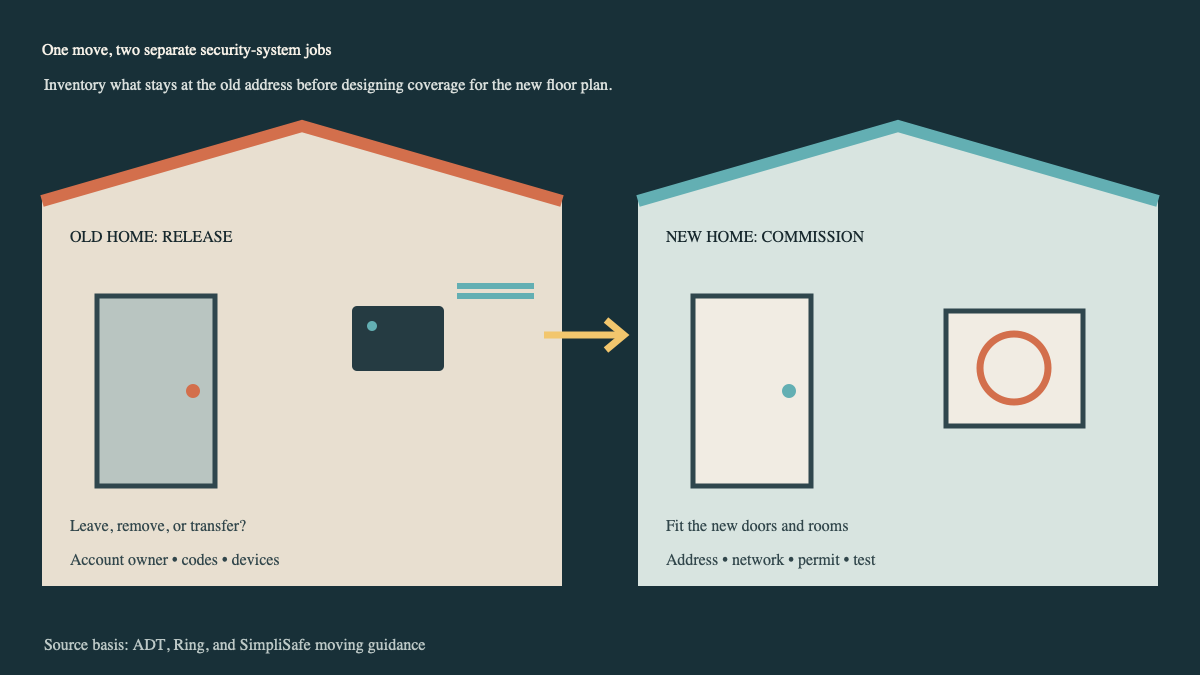
Settle the old-home equipment list first
Ask the caller to walk through the old system room by room. A label such as “back door” is more useful than “sensor three.” Capture the base station or control panel, keypads, door and window contacts, motion detectors, glass-break sensors, cameras, video doorbells, sirens, smoke or carbon monoxide devices, water sensors, smart locks, and any cellular or network equipment tied to the installation.
Then classify each item as one of four things: permanently installed, potentially portable, staying by agreement, or unknown until the installer or provider reviews it. “Unknown” is a valid answer. It protects the customer from pulling a wired keypad off the wall or removing a device that belongs with the property.
The office also needs the current operating condition. Ask whether any zones are bypassed, offline, damaged, or showing low battery warnings. Record recent service work. If the customer says a sensor has “never worked,” put the exact zone and symptom in the note. Moving a fault to a new address does not repair it.
Account access deserves its own line. Who has app access? Are there household members, previous tenants, cleaners, contractors, or buyers with codes? The right removal sequence depends on the provider and system. The call handler should gather names and roles, then assign the account cleanup to someone authorized to perform it. Never ask a caller to send passwords, master codes, or recovery codes through an ordinary note field.
If equipment will remain, capture what the departing customer expects to happen to recordings, app access, saved automations, and monitoring. The installer may need a formal transfer or release procedure. A factory reset is not a universal answer and may complicate the next owner’s activation.
Build the new-home scope from the new layout
The destination is a fresh installation question, even when some hardware travels with the customer. The new home may have more doors, a detached garage, a basement walkout, different window types, a longer distance between sensors and the hub, or masonry where the old home had drywall.
Ask for the property type and rough layout. A floor plan, listing photos, or a short video walkthrough may help before the visit, provided the company has a safe way to receive and store them. The intake note should identify exterior doors, sliding doors, accessible ground-floor windows, attached or detached structures, gates, camera locations, and any area the customer specifically wants covered.
Also ask what is already installed at the new address. An old panel in a utility closet does not prove that it works, can be reactivated, or is compatible with the customer’s equipment. That belongs in a takeover assessment, with model numbers and clear photographs if available.
Network details can change the appointment. Record whether internet service will be active before the technician arrives, where the router will sit, and whether the customer expects a new network name or password. Ring’s moving guidance, for example, includes changing the Location address and reconnecting devices to the new network. Other manufacturers use different steps, so keep the note brand-specific.
Local alarm registration or permit requirements may also change at the new address. Ring and SimpliSafe both tell moving customers to check local permit requirements. The office should verify rules for the destination municipality or direct the customer to the proper local authority. Avoid promising that an old permit transfers.
For a larger destination system, route the call through a full security installation consultation. The old device count is an input, not the design.
Put the address change on a real timeline
An app location or monitoring address should point to the property where the system operates. Yet the customer may pack devices on one day, lose internet at the old home on another, and get access to the new home several days later. One vague “move date” cannot carry that sequence.
Build the handoff around concrete milestones:
- Policy review: Confirm the provider’s equipment, agreement, monitoring, and transfer rules before removal.
- Old-home inventory: Photograph or list devices by room, mark what stays, and record account access that must end.
- Removal or release: Schedule any approved technician work and document the condition of the old property.
- Address change: Coordinate when the provider, app, monitoring record, and emergency-contact information should point to the destination.
- New-home installation: Reconnect approved portable devices, add or replace equipment for the new layout, and update zone names.
- Final test: Follow the installer and monitoring provider’s test procedure, then confirm notifications and account access.
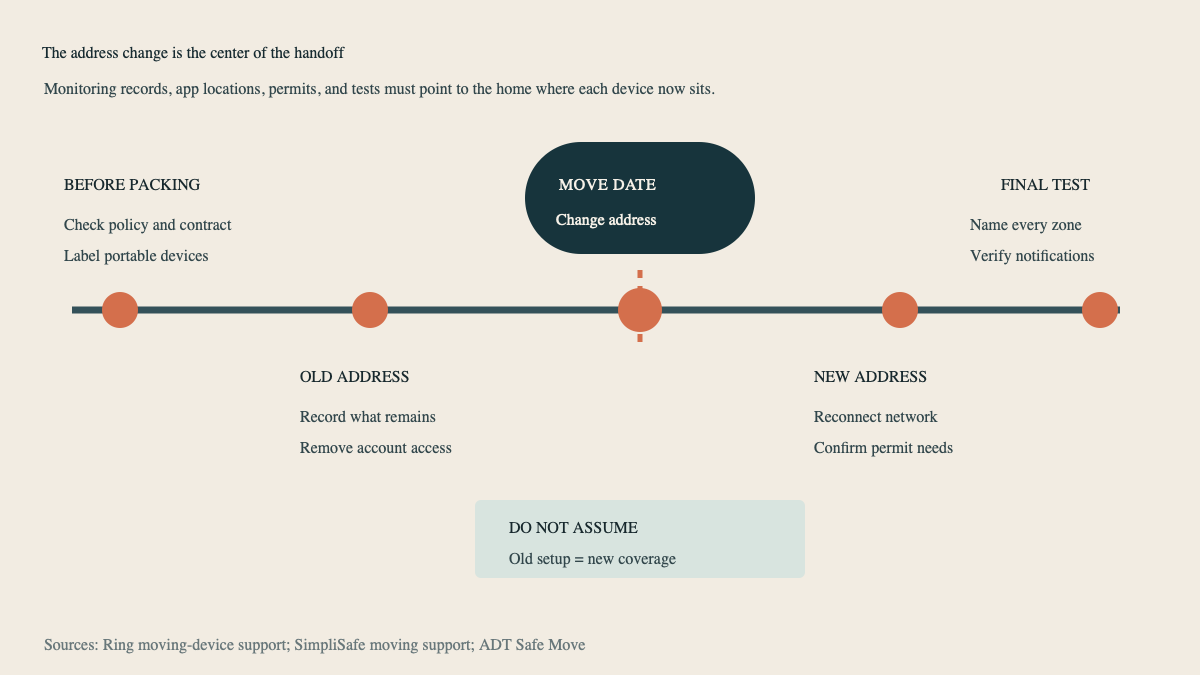
SimpliSafe’s moving support recommends labeling devices and allows customers to schedule an address change in advance. That is a useful model for office intake even when the company services other brands: label first, pick the change date deliberately, and test after reinstallation.
Give dispatch a note it can use
A move appointment fails early when the technician arrives with a one-line work order. Replace “transfer alarm” with a compact field summary:
“Customer sells 18 Willow Lane on September 4 and gets access to 72 Cedar Court on August 30. Current wireless system has a base, keypad, four door contacts, three window contacts, one motion detector, and two cameras. Customer believes the portable devices are owned but will verify provider terms. Video doorbell stays for buyer. New home has five exterior doors, detached garage, cable internet scheduled for August 29, and an existing unknown-brand panel. Customer requests an old-home release review and a separate new-home coverage assessment.”
That note exposes the open questions without pretending to answer them. Dispatch can see that the destination may need added contacts, garage coverage, a takeover review, and confirmed internet service.
Use the same discipline when an AI receptionist handles after-hours calls. It can capture addresses, dates, equipment, property access, and the caller’s requested outcome. Ownership decisions, contract interpretation, technical compatibility, and coverage design still go to qualified staff.
Close the move only after both properties are accounted for
The final handoff should name what happened at each address. For the old home, record equipment left behind, equipment removed, access revoked, any open monitoring or account action, and the person who accepted the result. For the new home, record installed devices, zone names, network status, permit follow-up, notification tests, account users, and unresolved work.
A customer may arrive with a box marked “alarm parts.” The better outcome is much more specific: each device has an old room, a new assignment, an owner, and a tested place in the destination system. That is what turns a moving call into a controlled handoff.