A preschool director calls while families are lining up for pickup. The lever on the playground entrance turns, but the latch stays caught unless a teacher pulls the door toward the frame. The director asks for “a new lock today.” That description is urgent, but it is not yet a usable service ticket.
Start by naming the exact opening. Record what the door does during normal use, which hardware is visible, when children and staff use the area, who can approve the work, and whether the opening connects to an alarm or electronic access system. Reception should preserve observations. The locksmith and facility authority decide the repair, hardware, and compliance questions after inspecting the opening.
Name the opening before naming the repair
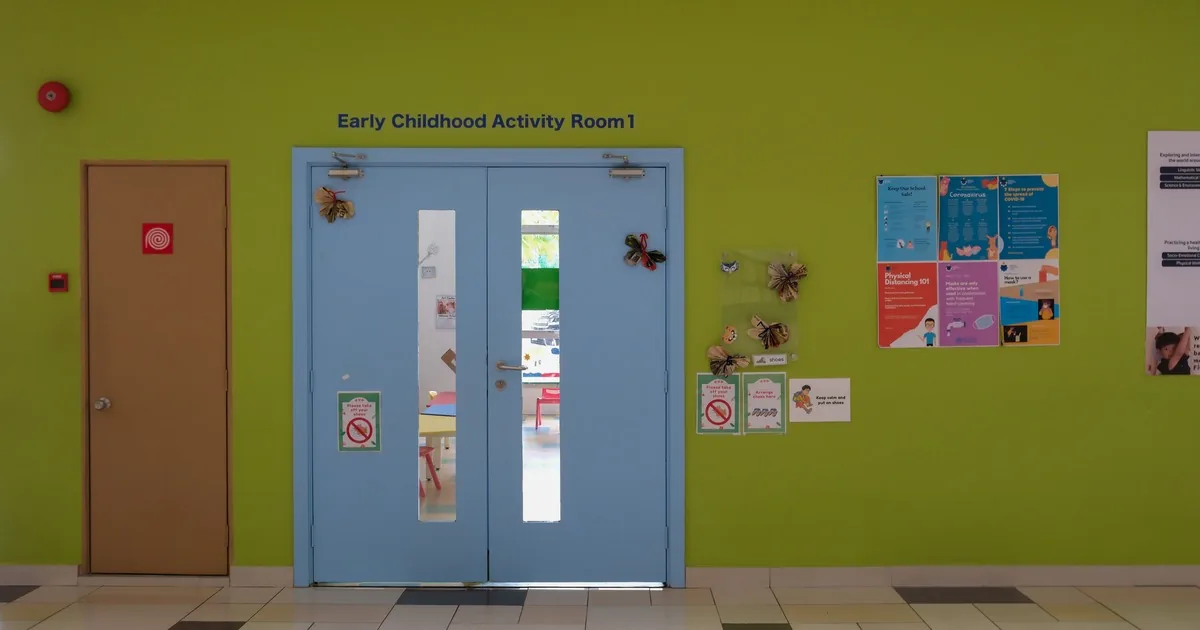
Schools and child care centers may have a main lobby, bus entrance, classroom doors, playground gates, kitchen delivery doors, staff-only corridors, and shared doors between programs. “The side door” can send a technician to the wrong end of a building.
Ask for the site name, street address, building or wing, floor, room number, and a plain-language landmark. A useful description sounds like “exterior door E-2 beside the preschool playground” or “classroom C-14 across from the library.” If the facility uses door numbers on plans or labels, capture the identifier exactly as the caller gives it.
Then ask whether the opening is exterior or interior, single or paired, and used by children, staff, visitors, deliveries, or emergency responders. Record whether another approved route is available. Do not tell the caller that an alternate door makes the affected opening safe to ignore. That decision belongs to the facility’s safety process.
CISA’s K-12 School Security Guide Product Suite treats physical security as a facility assessment and planning task. A lock repair should fit that larger plan. The intake record gives the technician a reliable starting point without attempting to redesign the school’s security at the front desk.
Record what the door does during normal use
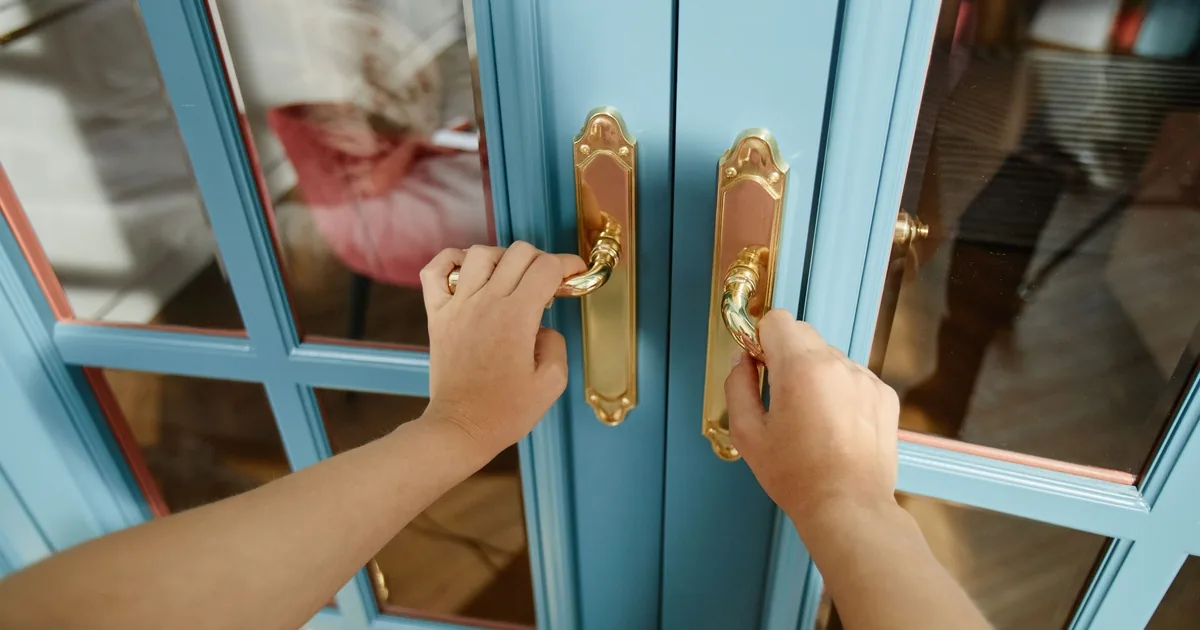
Ask the caller to describe one normal operating cycle without taking hardware apart. What happens when someone approaches, presents a key or credential, turns the lever, pushes or pulls the door, and lets it close?
Useful observations include:
- the key enters but will not turn, turns only partway, or turns without retracting the latch;
- the lever is loose, stiff, or moving normally while the latch remains extended;
- the door rubs the frame, needs to be lifted, bounces back open, or fails to latch after closing;
- an exit device feels loose, sticks, or does not return normally;
- a card reader responds, but the mechanical latch does not release;
- the problem is constant, weather-related, intermittent, or limited to one credential.
Keep “what happened” separate from “what the caller thinks failed.” A director may call every piece of door hardware a lock. The symptom could involve alignment, a closer, a latch, a lever, an exit device, a cylinder, an electric strike, or another connected component.
Ask whether there is visible damage, a recent forced-entry attempt, water exposure, construction dust, a moved door stop, or work by another vendor. Photos of the whole opening and visible hardware can help preparation. Tell the caller to hide keys, codes, credential numbers, children’s names, and security screens before sending anything.
ALOA’s lock-change guidance notes that hardware condition and suitability affect whether an existing lock can be reused or should be replaced. A phone description cannot settle that question. Capture the symptom and leave the repair choice open.
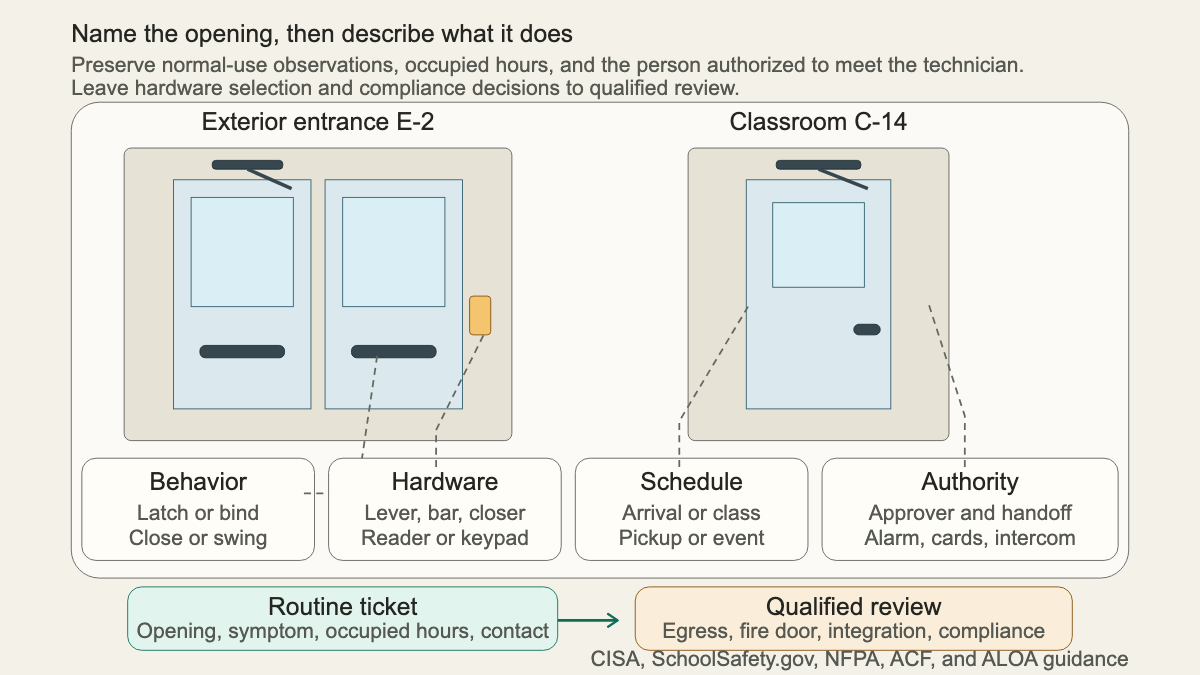
Treat occupied hours as part of the scope
The same opening may carry preschool arrivals in the morning, meal deliveries at midday, playground traffic in the afternoon, and an after-school program later on. Published office hours do not show that movement.
Ask when the affected area becomes occupied, when the next arrival or dismissal period starts, and when the door can be inspected without creating an unmanaged opening. Record planned events, parent pickup, bus loading, staff shift changes, and shared-building use. Get the name and mobile number of the person who will meet the technician and control the area during service.
A practical ticket might say: “Playground entrance E-2 is in use until pickup ends at 5:45 p.m. Facilities coordinator Elena Ruiz can meet at 6:10. The infant rooms remain occupied until 6:30, so the interior corridor cannot be propped or left unattended.” These are caller-supplied conditions, not promises about how long a repair will take.
If the problem appears to affect the only known route for a room or program, escalate it to the facility’s designated authority immediately. Reception should not invent a workaround. The school or center applies its emergency and supervision procedures while the locksmith evaluates the hardware.
Flag egress and access-control connections
Ask what hardware the caller can see during ordinary use. Is there a lever, knob, key cylinder, thumb turn, exit device, closer arm, magnetic holder, card reader, keypad, intercom release, electric strike, or door position sensor? Caller labels may be wrong, so mark uncertain descriptions as uncertain.
Some facts change who needs to review the ticket. Note whether the opening is identified by the facility as a fire door, whether an exit device is present, whether the door serves an occupied classroom, and whether electronic access, an alarm, an intercom, or automatic locking is connected. Never promise that mechanical work will update cards, mobile credentials, keypad users, alarm permissions, or monitoring records.
NFPA’s school fire-inspection guidance points inspectors to applicable life-safety provisions for classroom locking and related school door issues. The adopted code and local authority determine what applies at a specific address. Reception should flag the condition, avoid compliance claims, and route the question to qualified people.
For a failed exit device, the panic bar repair intake guide covers opening-specific questions in more detail. Use the commercial master-key consultation guide when the facility wants to change who can open groups of doors, rather than repair one malfunctioning opening.
Verify authority without collecting sensitive access data
Ask who is requesting service and who is authorized to approve changes. A teacher, front-desk employee, parent volunteer, tenant program, facilities manager, director, district employee, owner, or property manager may know the problem without holding approval authority.
Record the approver’s name, role, callback number, and onsite availability. If the center leases space, ask whether the landlord controls exterior hardware. If a public district, charter operator, church, or community center owns the property, identify the responsible facilities contact. Do not ask reception staff to settle an ownership dispute.
For child care facilities, licensing rules vary by state and facility type. The federal National Database of Child Care Licensing Regulations lets users find the relevant state agency and regulations for child care centers, family child care homes, and group child care homes. A locksmith office can record the jurisdiction and licensing contact named by the caller. It should not promise that a proposed lock or service plan satisfies every local requirement.
Keep sensitive data out of ordinary dispatch notes. The ticket does not need access codes, alarm codes, key cuts, a complete master-key chart, student rosters, pickup lists, camera views, or a map of security weaknesses. If authorized records are needed, the facility and locksmith should exchange them through an approved channel.
Read back a dispatch-ready ticket
Before scheduling, read the important facts back to the caller. A complete note can sound like this:
“Little Pines Learning Center, 214 Cedar Avenue, playground entrance E-2 beside the preschool rooms. Director Elena Ruiz authorizes the visit and will meet the technician. The exterior paired doors serve staff and supervised playground traffic. On the active leaf, the inside lever turns but the latch stays extended unless the door is pulled toward the frame. The issue began this afternoon and happens on every cycle staff observed. No visible impact damage was reported. A closer and card reader are present; card access responds, but the latch does not release normally. Pickup ends at 5:45 p.m. Infant rooms remain occupied until 6:30. The facility will control the area during inspection. Hardware choice, egress review, electronic integration, and final scope are pending onsite evaluation.”
That note identifies the opening, symptom, use, schedule, authority, visible hardware, connected system, and unresolved decisions. It gives dispatch something solid.
For a request driven by missing or unaccounted keys, use the rekey and lock-change call guide. The broader locksmith resource hub covers lockouts, door hardware, key systems, and commercial service intake.
An AI receptionist can collect the opening identifier, observed behavior, occupied window, authorized contact, and integration flags after hours. A human should review any egress concern, sensitive record, code question, or security promise. When Elena meets the technician, the ticket should point to E-2 and describe exactly what staff observed, without pretending the diagnosis was finished on the phone.